Short note: This website is in Beta - we are currently building everything up but you can already find the apps to download and participate! Thank you and stay safe!

 Questions, help or just curious?
Super User
Campainha
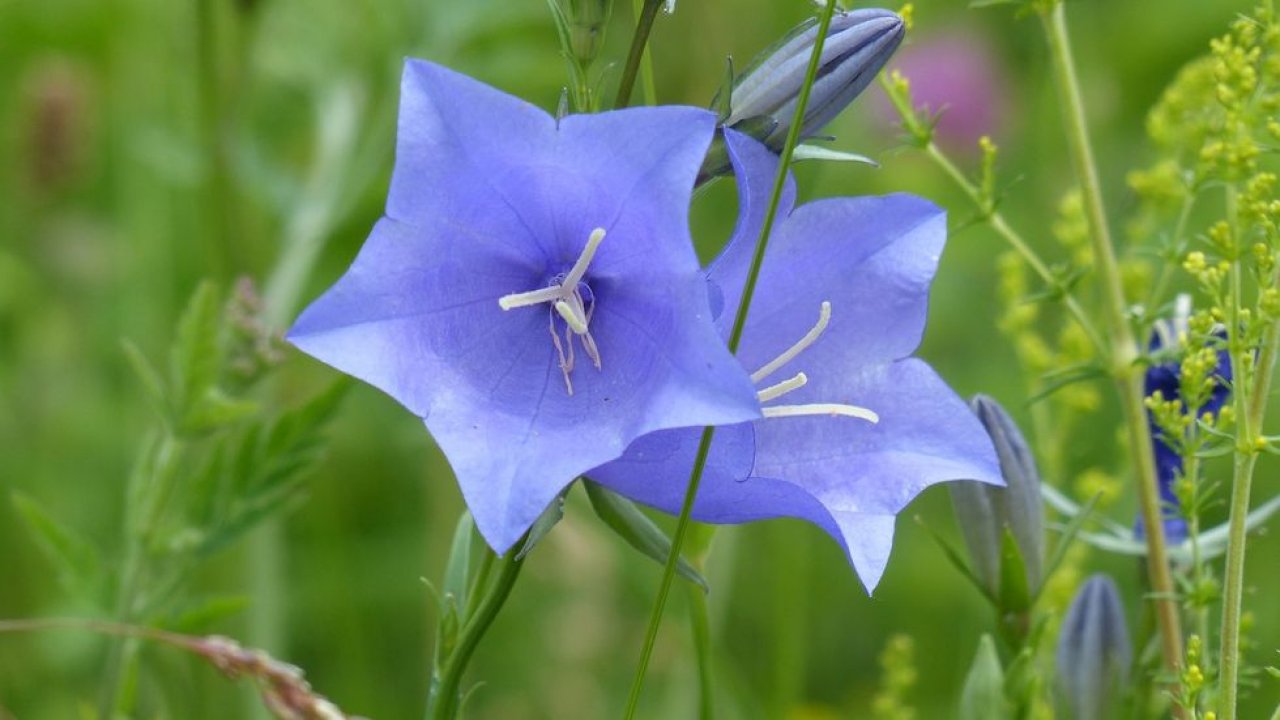
Campanula rotundifolia
As folhas crescem na parte mais baixa do caule; flores azuis a abanar.
Malva comum
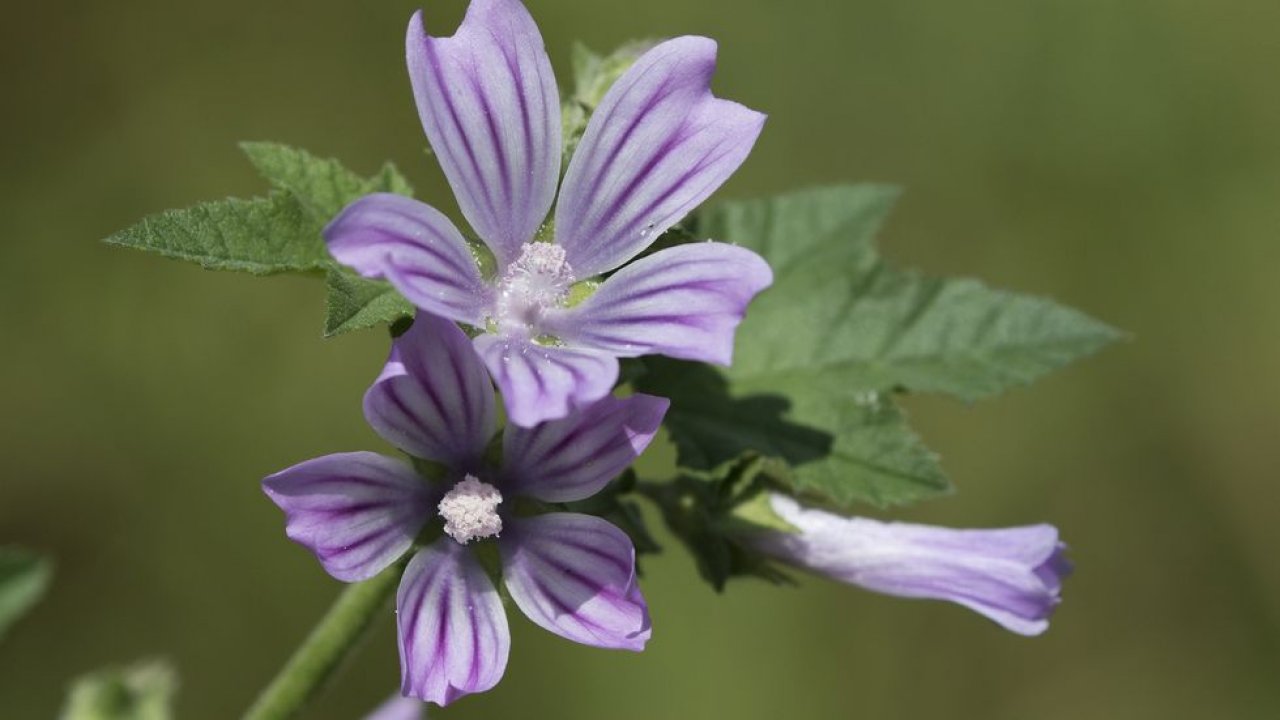
Malva silvestre
Flores de cor malva com cinco pétalas abertas, listras roxas escuras e caules peludos.
Trevo branco
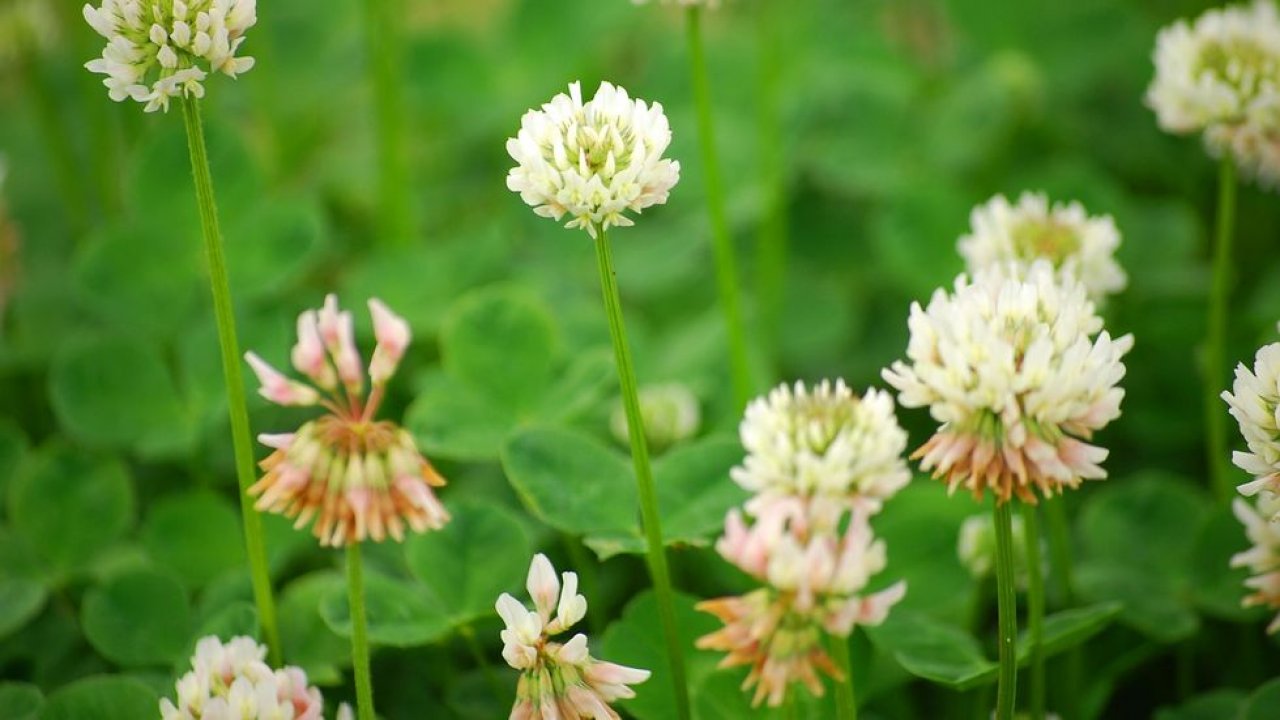
Trifolium repens
Folhas trifolioladas com capítulos arredondados de flores brancas cremosas, por vezes com um toque de rosa.
Loostrife roxo
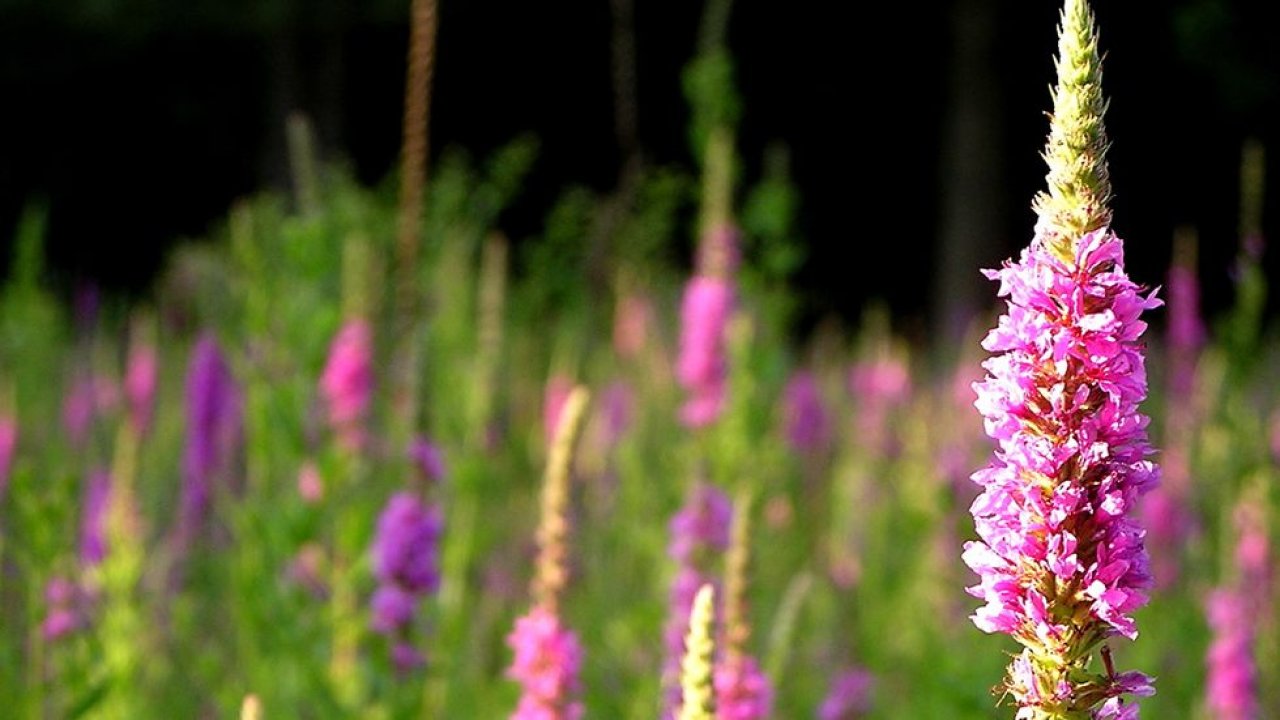
Lythrum salicaria
Até 1,2 m de altura, com folhas estreitas e esbeltas e pequenas flores rosa-púrpura brilhantes em espigas terminais.
Cenoura selvagem

Daucus cenoura
Flores pequenas, rendilhadas, brancas, com cinco pétalas, dispostas em cachos achatados em forma de guarda-chuva. Os caules são peludos e as folhas são bifurcadas. Semelhante à cicuta.
Anchusa de jardim/ Bugloss italiano
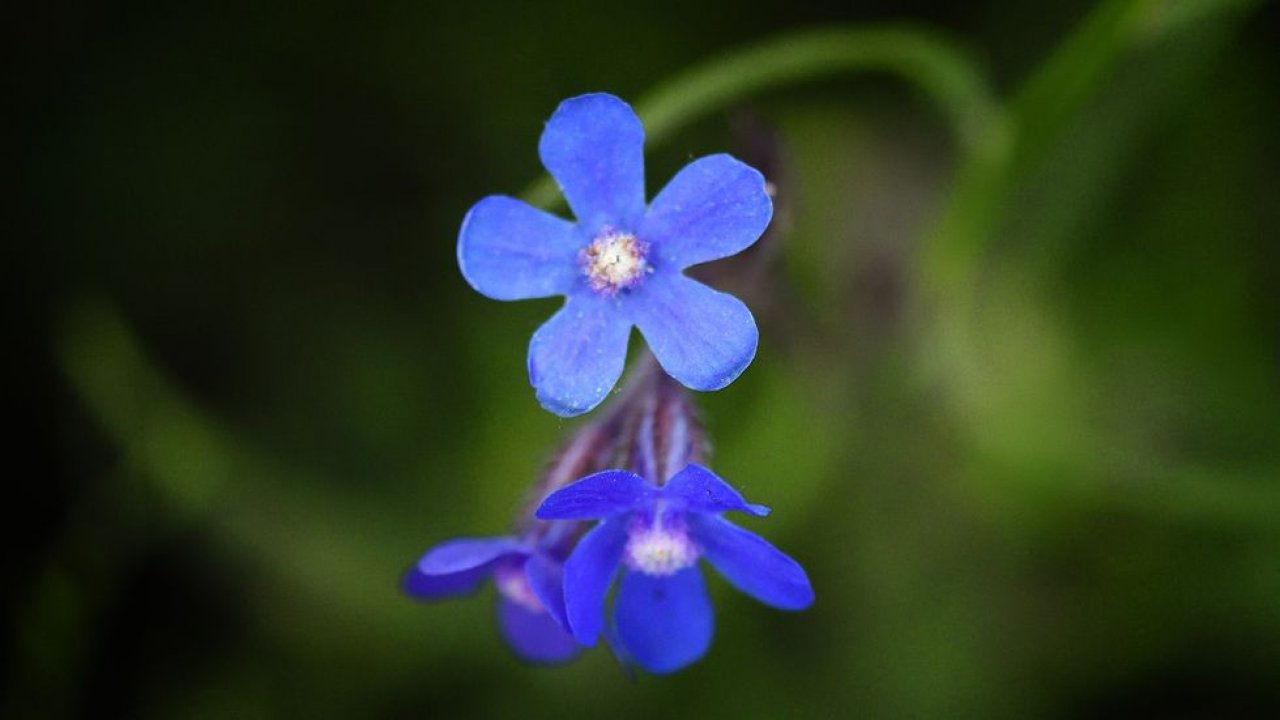
Anchusa azurea
Folhas longas e pontiagudas, flores azul-violeta brilhantes; atinge meio metro de altura.
Perda de inseto da víbora
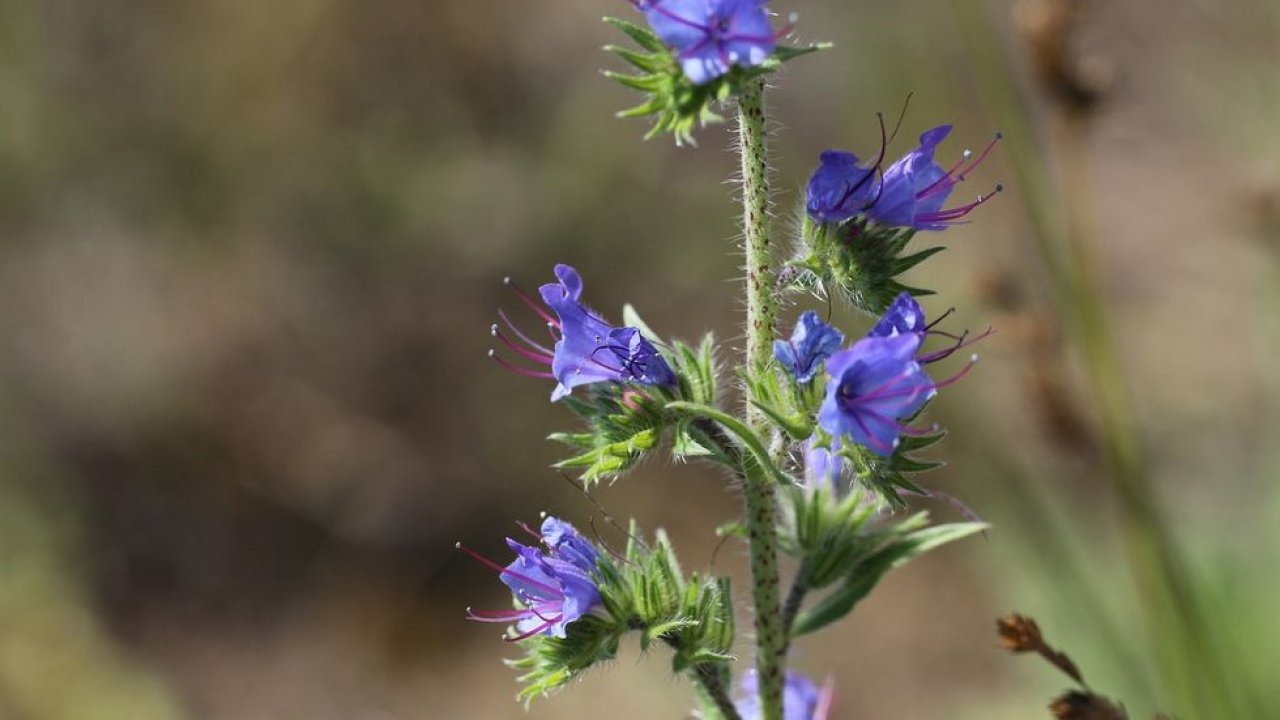
Echium vulgare
As folhas crescem a partir da base do caule; flores cor-de-rosa em botão, tornando-se azul brilhante.
Papoila comum/Papoula do milho
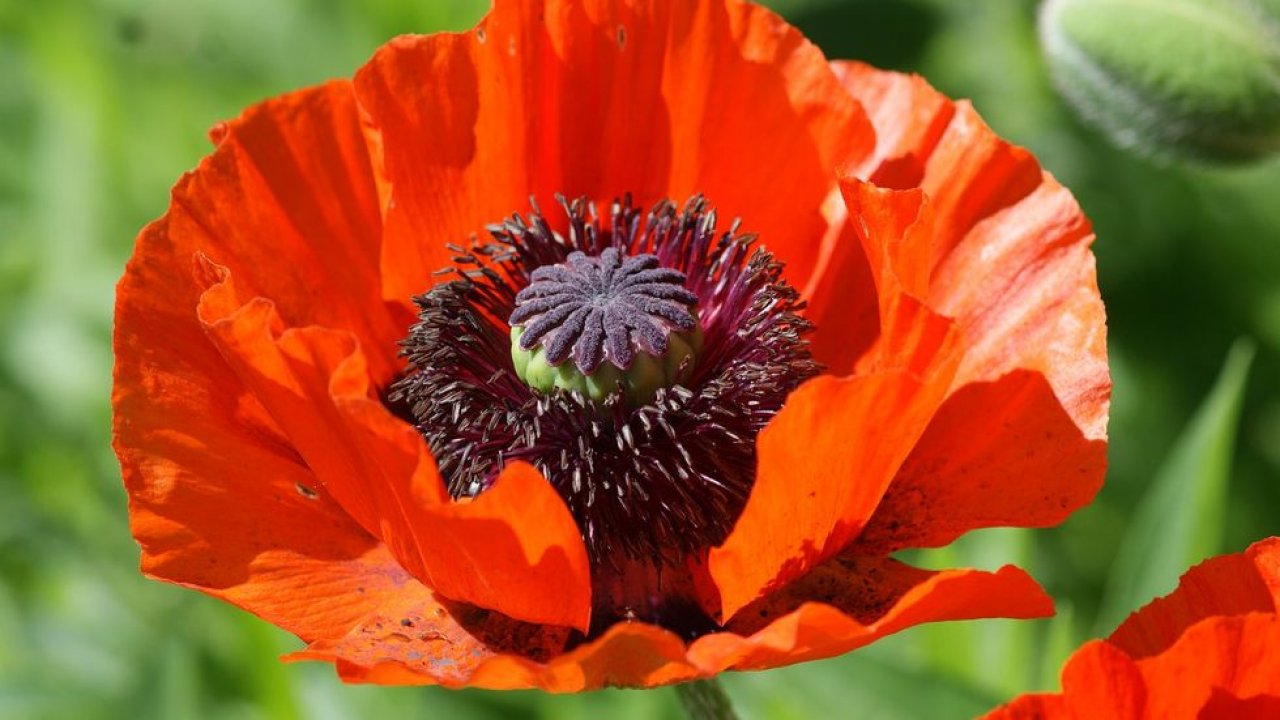
Papaver rhoeas
Folhas peludas e flor vermelha brilhante com centro preto.
Centáurea perene
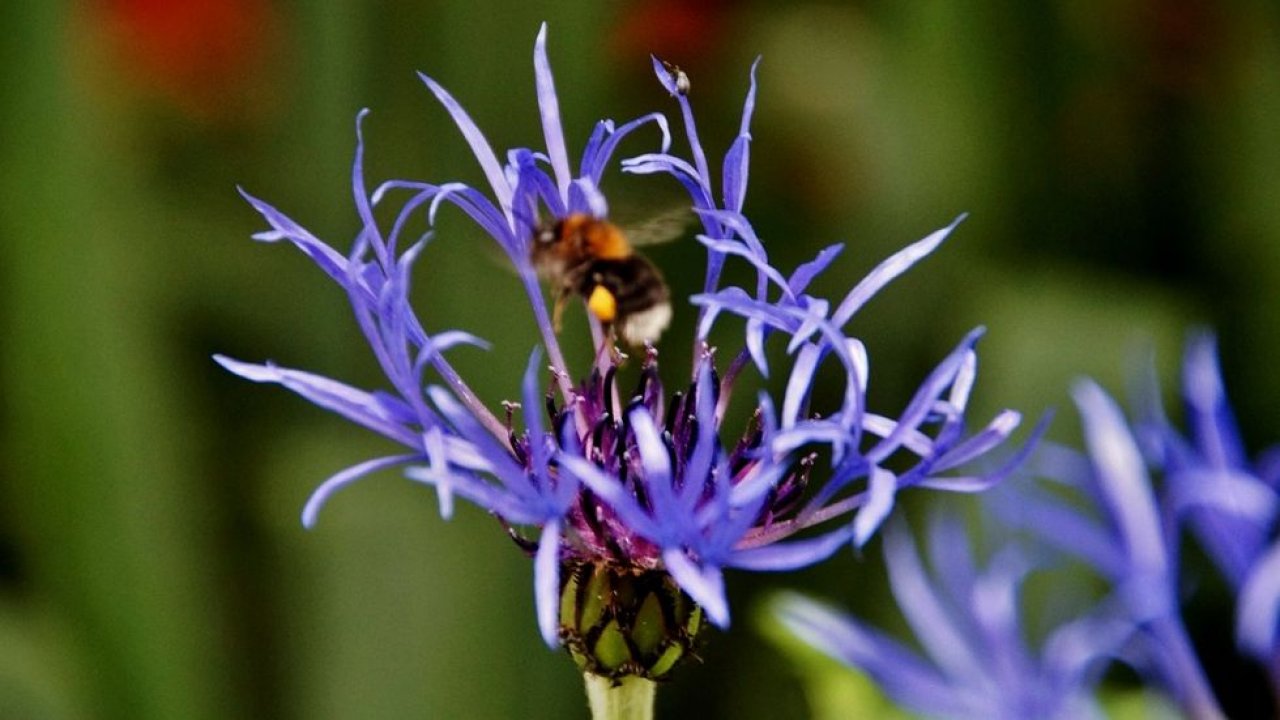
Centaurea montana
Cresce até aos 80 cm, folhas simples; flores azuis.
Susan de olhos pretos

Rudbeckia fulgida
Grandes cabeças de flores, semelhantes a margaridas, de cor amarelo-alaranjada, rodeando um disco cónico escuro proeminente. Folhas pontiagudas ao longo do caule.
Can I use my user account in multiple apps?
Absolutely! After creating your user account, you can log in with it in all apps and projects on the SPOTTERON platform without the need to register again. You can find additional apps and topics here: https://www.spotteron.app/apps - Please be invited to download any app which you like to join and start spotting!
How can I erase my stored personal data?
To erase all your personal data stored on Spotteron you can simply go to the settings panel in the app you use. There you can enter your current password there as confirmation about your identity and then just "klick" Delete now. There is not even a delay, your personal data is automatically erased.
GPS-Location doesn't work. What can I do?
At the first start of the app, it asks for permission to use the location of your phone. Please make sure that you have granted that permission - you can find an app's permission in your phone settings. Alternatively, you can uninstall and reinstall the app and grant permission - no worries, no user account data or observations are lost, you have simply to log in again.
If the reticle doesn't jump to your current location, you can also use the address search  to find it or move the map to your current location manually.
If you want to be use your location, you need to turn on "Location" in your phone's quick settings (if it wasn't turned on already) and open the app again, wait a few seconds and click on the crosshairs 

Please visit the website about the SPOTTERON Platform on www.spotteron.net
This website uses no external trackers, no analytics, just session cookies and values your online privacy.