Short note: This website is in Beta - we are currently building everything up but you can already find the apps to download and participate! Thank you and stay safe!

 Questions, help or just curious?
Super User
Hortênsia trepadeira

Hortênsia anomala subsp. peciolaris
Um arbusto de folha caduca com cerca de 2 m de altura, com grandes cabeças de flores cor-de-rosa, brancas ou azuis.
Clematite
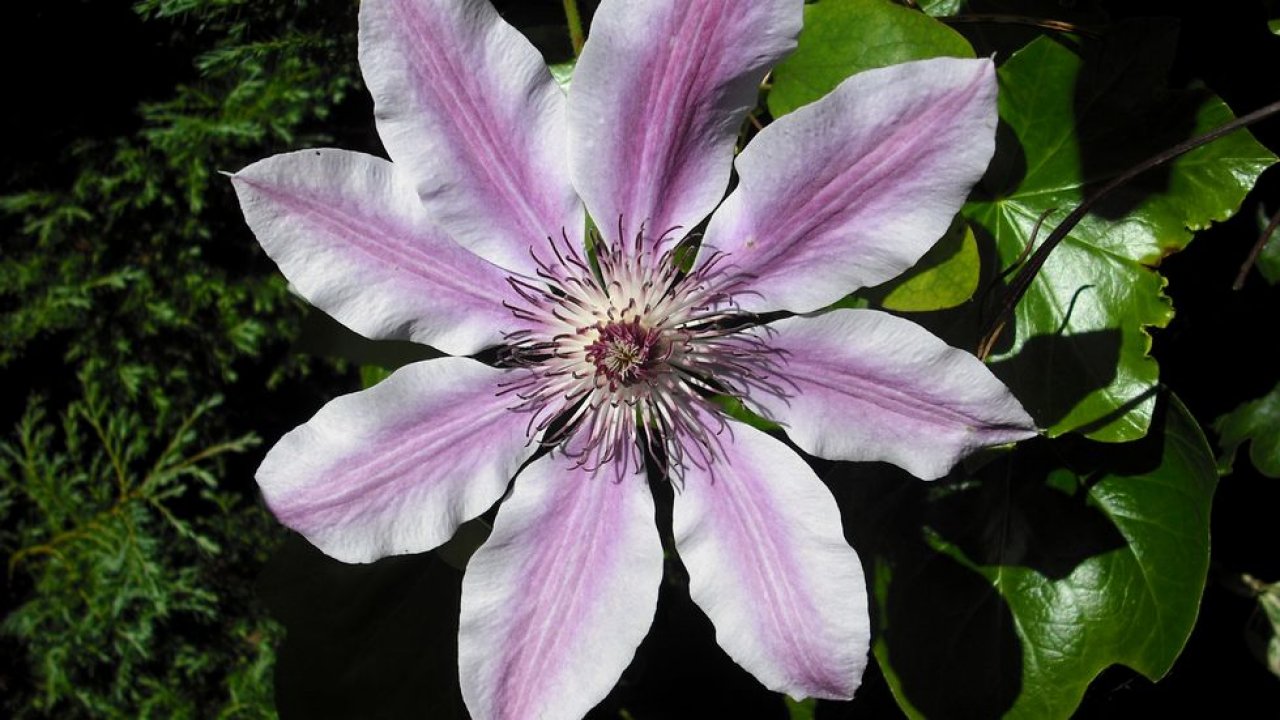
Clematis spp.
Uma planta trepadora. As flores formam uma grande flor com 4 a 7 pétalas, com cores que variam entre o branco, vermelho escuro, lavanda e roxo escuro.
Hera persa
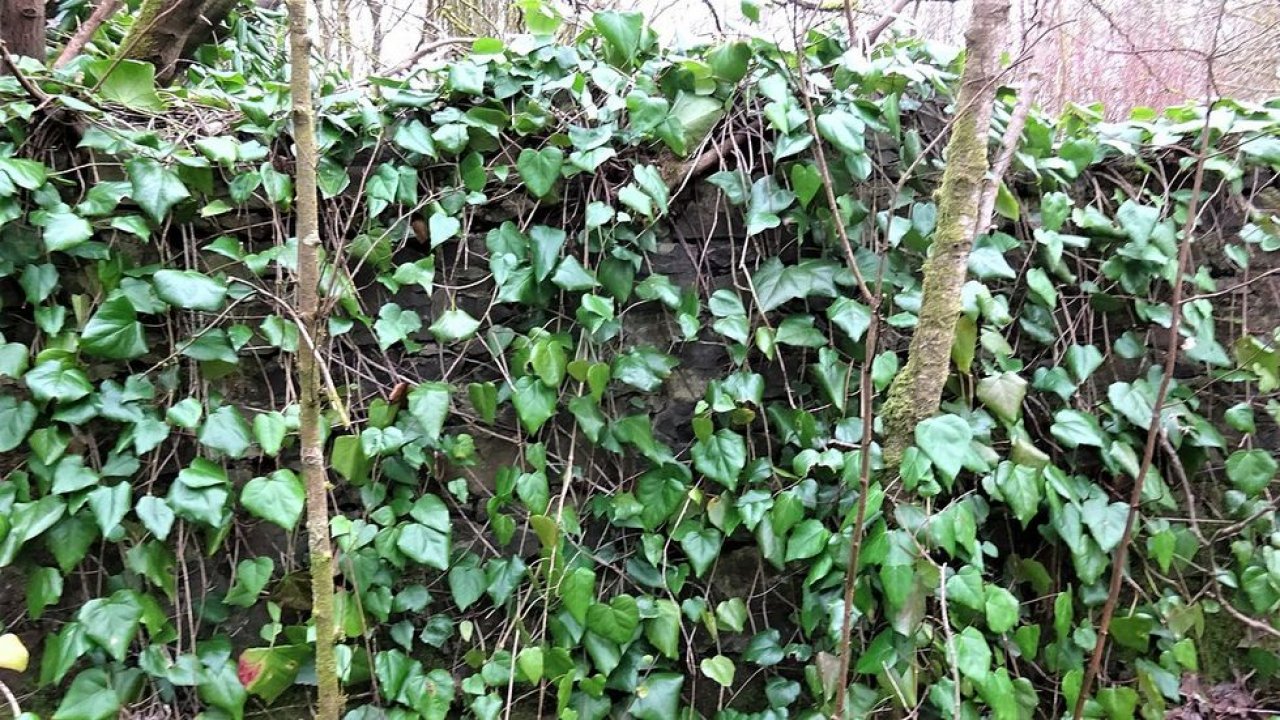
Hedera colchica
Trepadeira autoadesiva; folhas brilhantes, verde-escuras, com cinco lóbulos. Flores verde-amareladas em plantas maduras.
Hera comum
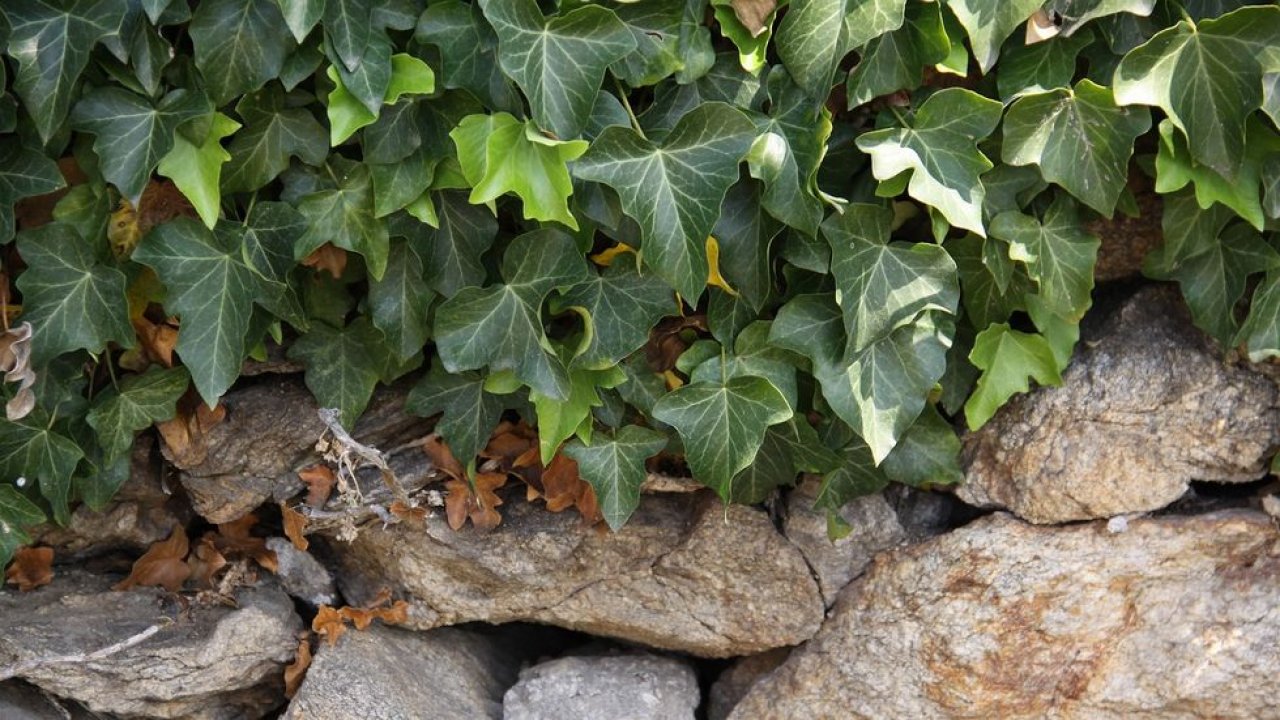
Hedera hélice
Planta trepadora lenhosa, perene, com folhas verde-escuras brilhantes e nervuras claras.
Campainha azul
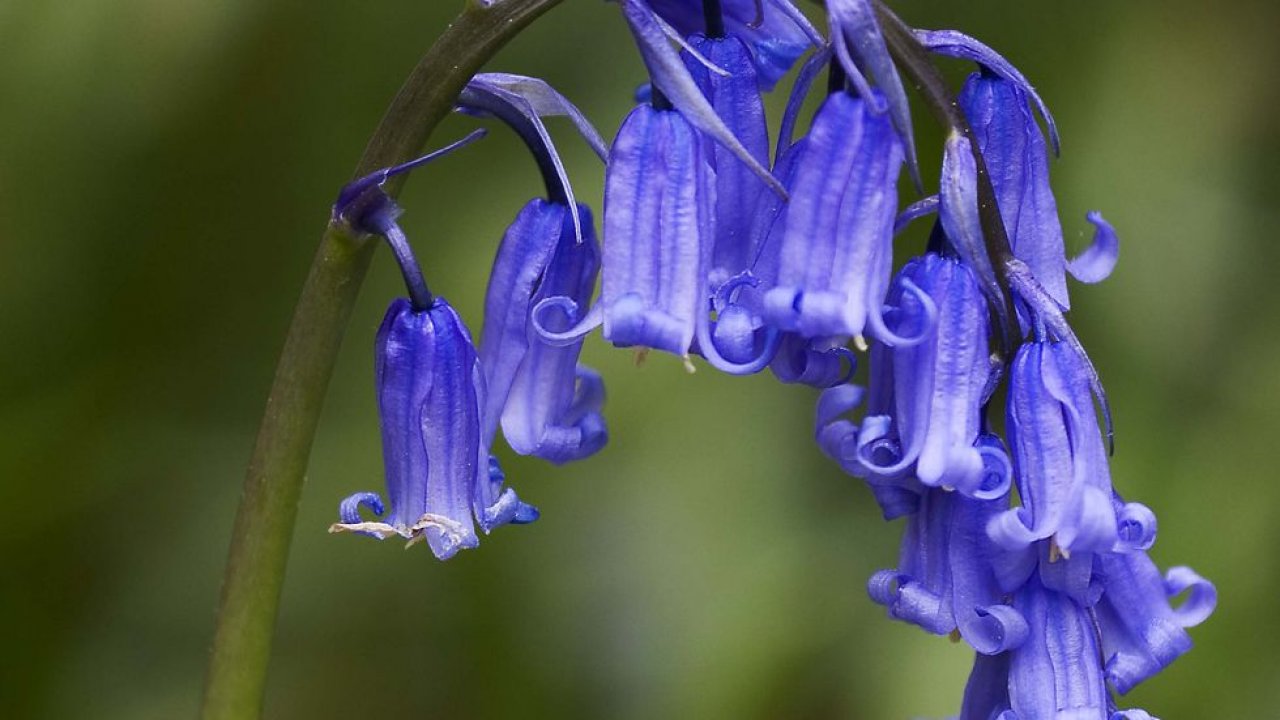
Hyacinthoides não scripta
Flores em forma de sino, de um azul-violeta profundo, com as pontas curvadas para trás. Folhas estreitas e caules caídos.
Camomila

Matricaria chamomilla
Pequenas flores semelhantes a margaridas, com pequenas folhas plumosas. Tem um aroma doce semelhante ao da maçã quando esmagado.
Dente-de-leão
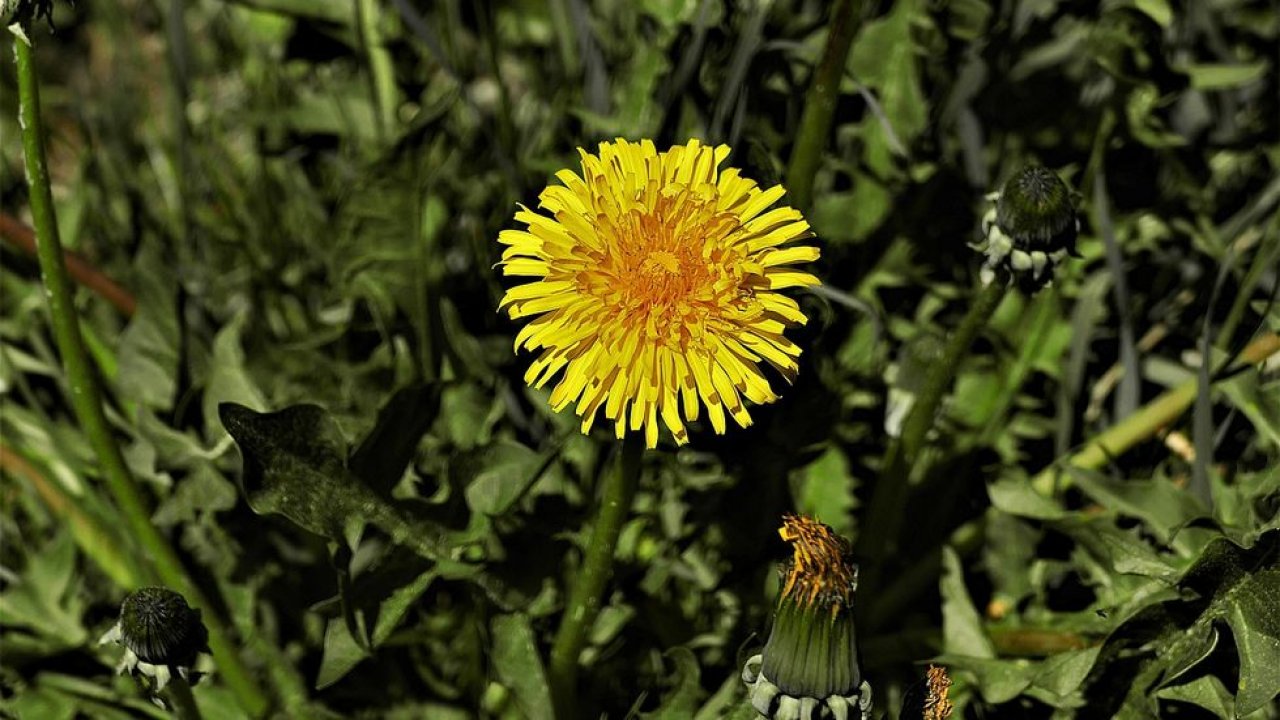
Taraxacum officinale
Flor amarela, caule comprido, pétalas e folhas pontiagudas.
Calêndula de milho

Glebionis segetum
Discos amarelo-dourados com flores de raios proeminentes. As folhas são cerosas e profundamente dentadas.
Centaurea comum
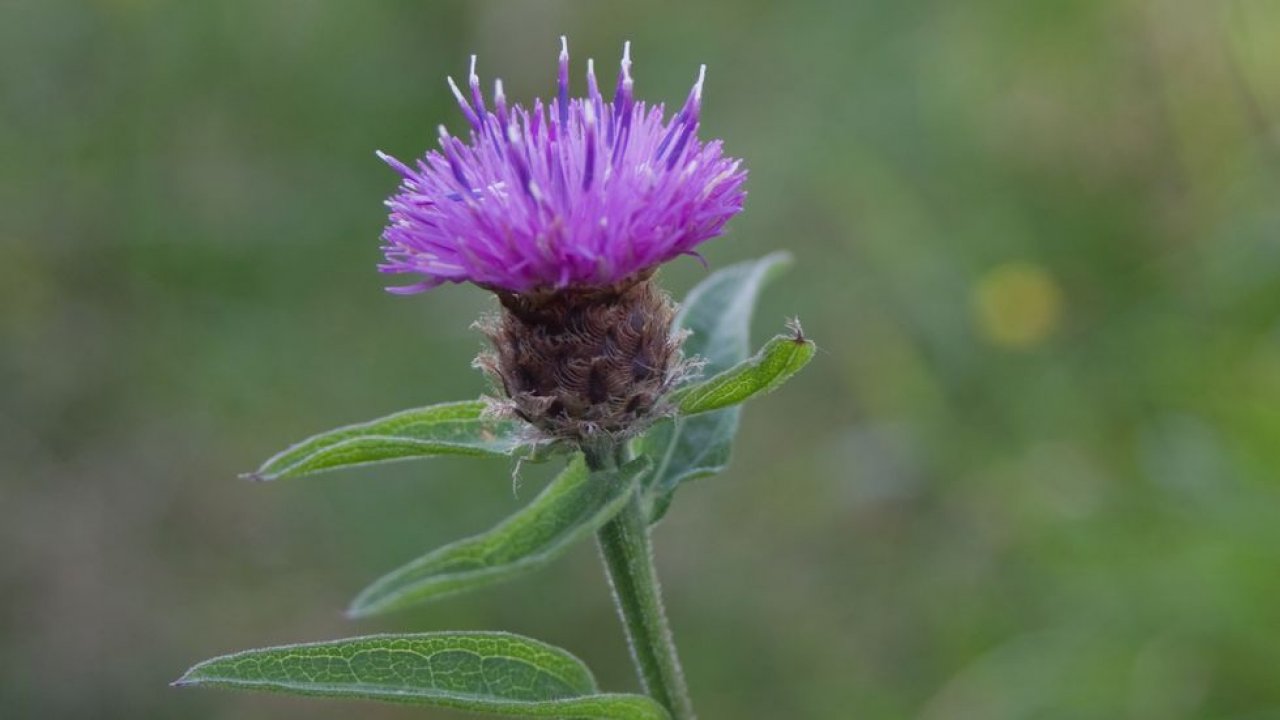
Centaurea nigra
Florzinhas roxas numa cabeça com coroa de brácteas irregulares e folhas divididas e oblongas. Aspeto de cardo, sem espinhos.
Urze de folhas cruzadas
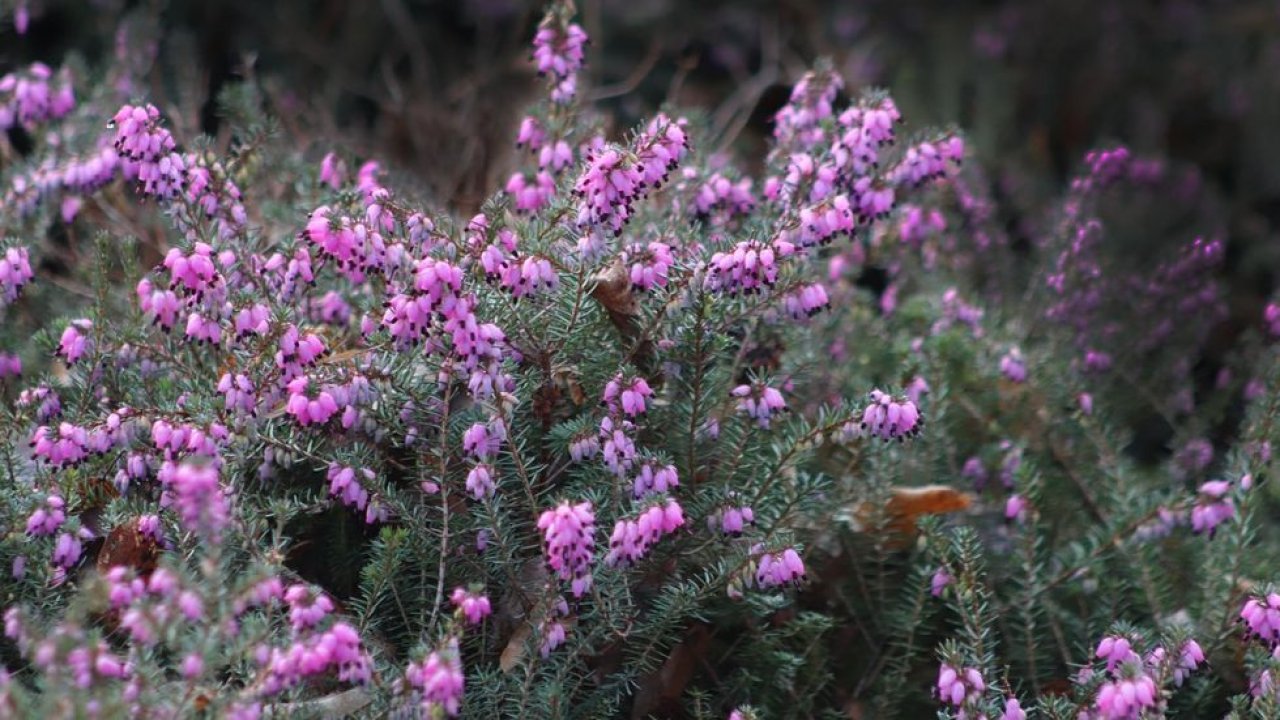
Érica tetralix
Muitos ramos, até 60 cm de altura. Caules a enraizar na base da planta. Cachos de flores rosa-claro.
Can I use my user account in multiple apps?
Absolutely! After creating your user account, you can log in with it in all apps and projects on the SPOTTERON platform without the need to register again. You can find additional apps and topics here: https://www.spotteron.app/apps - Please be invited to download any app which you like to join and start spotting!
How can I erase my stored personal data?
To erase all your personal data stored on Spotteron you can simply go to the settings panel in the app you use. There you can enter your current password there as confirmation about your identity and then just "klick" Delete now. There is not even a delay, your personal data is automatically erased.
GPS-Location doesn't work. What can I do?
At the first start of the app, it asks for permission to use the location of your phone. Please make sure that you have granted that permission - you can find an app's permission in your phone settings. Alternatively, you can uninstall and reinstall the app and grant permission - no worries, no user account data or observations are lost, you have simply to log in again.
If the reticle doesn't jump to your current location, you can also use the address search  to find it or move the map to your current location manually.
If you want to be use your location, you need to turn on "Location" in your phone's quick settings (if it wasn't turned on already) and open the app again, wait a few seconds and click on the crosshairs 

Please visit the website about the SPOTTERON Platform on www.spotteron.net
This website uses no external trackers, no analytics, just session cookies and values your online privacy.