Short note: This website is in Beta - we are currently building everything up but you can already find the apps to download and participate! Thank you and stay safe!

 Questions, help or just curious?
Super User
Cardo globo azul
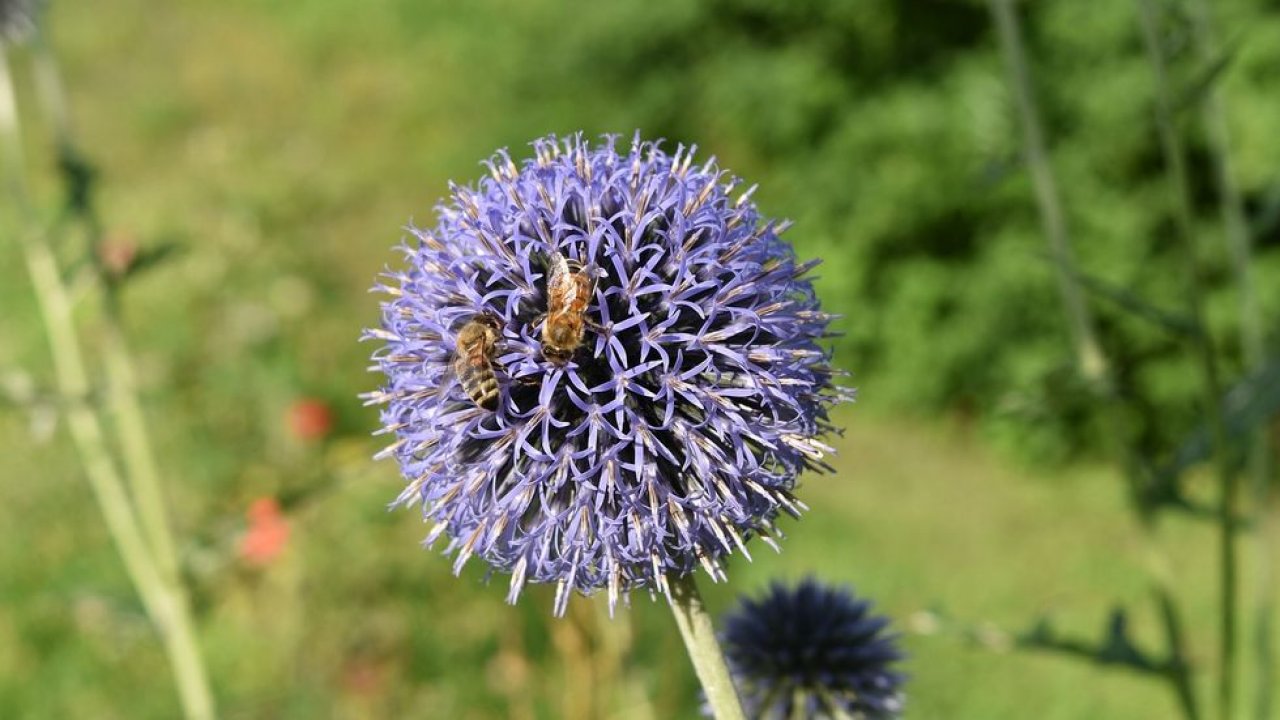
Echinops bannaticus
Cresce até 1,25 m de altura. Folhas espinhosas e dentadas; cabeças de flores azuis esféricas.
Cardo/ Alcachofra
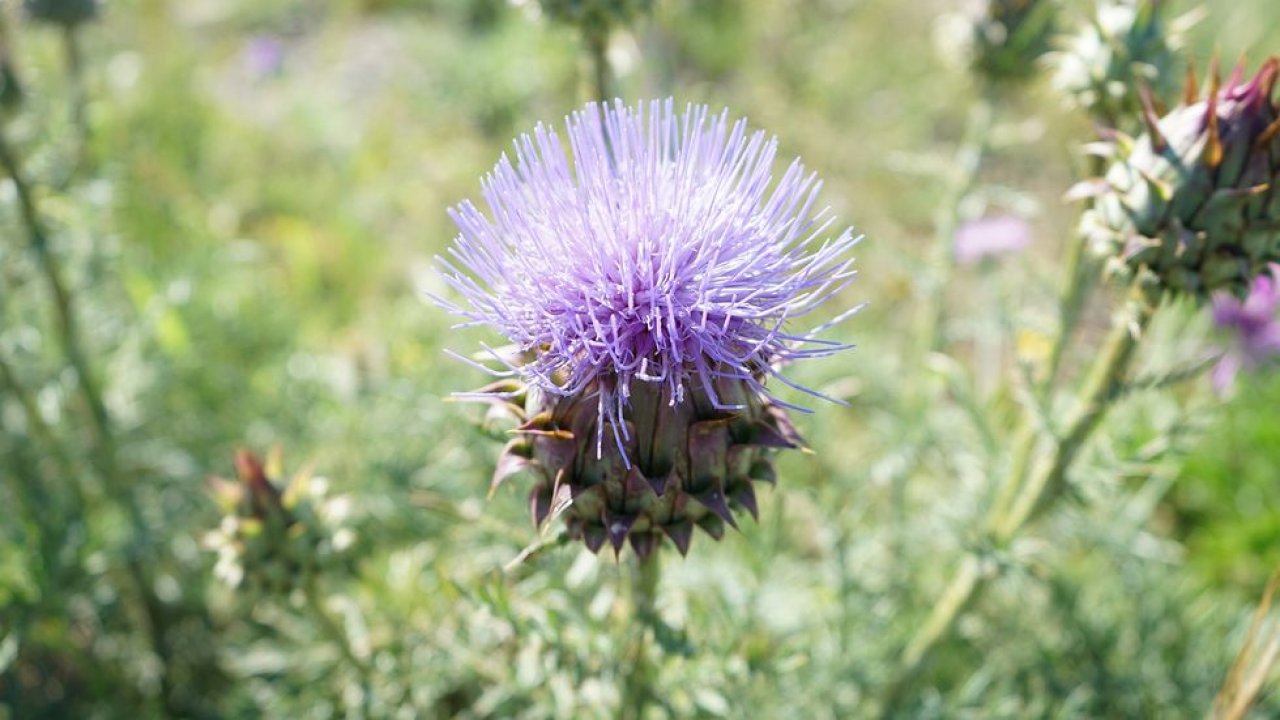
Cynara cardunculus
Cresce até aos 2,5 m de altura. Folhas espinhosas e grandes flores roxas semelhantes a cardos.
Cardo
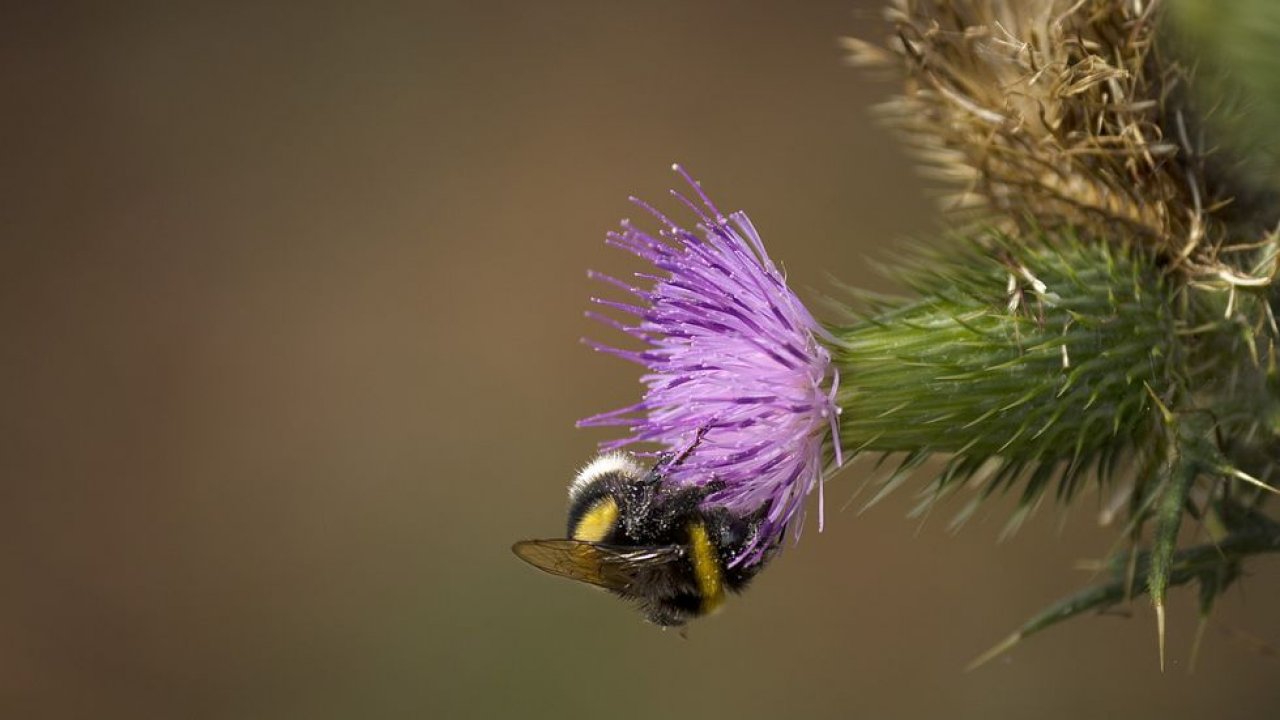
Família Asteraceae, geralmente Carduus, Cirsium e Onopordum spp.
Espinhos afiados na margem das folhas, podem também ser encontrados no caule e na parte plana das folhas, dependendo da espécie. Cabeça de flor roxa com muitas flores.
Erva espirro

Helenium
Flores vistosas semelhantes a margaridas; flores espalhadas que podem ser vermelhas, laranja ou amarelas com o centro castanho. Haste ereta.
Ling
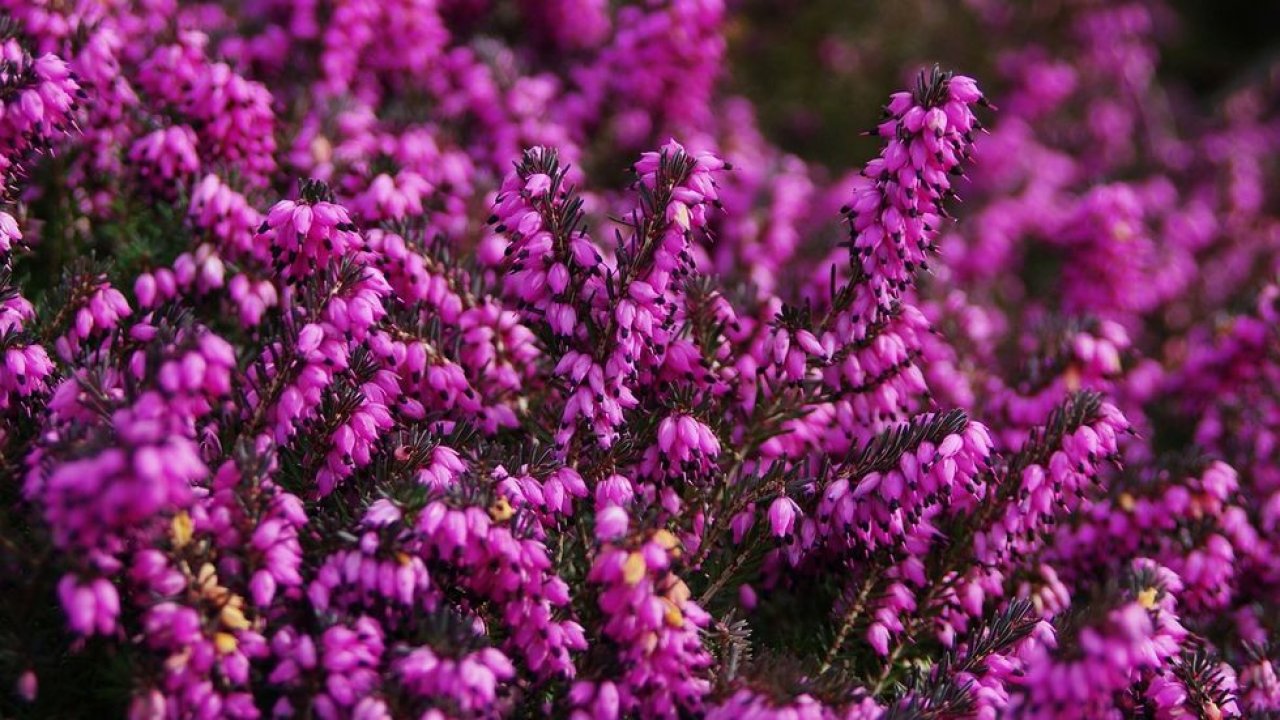
Caluna vulgaris
Arbusto pequeno e perene. Folhas direitas, estreitas e sobrepostas em caules de arame; flores rosa claro, roxas ou brancas.
Urze de sino
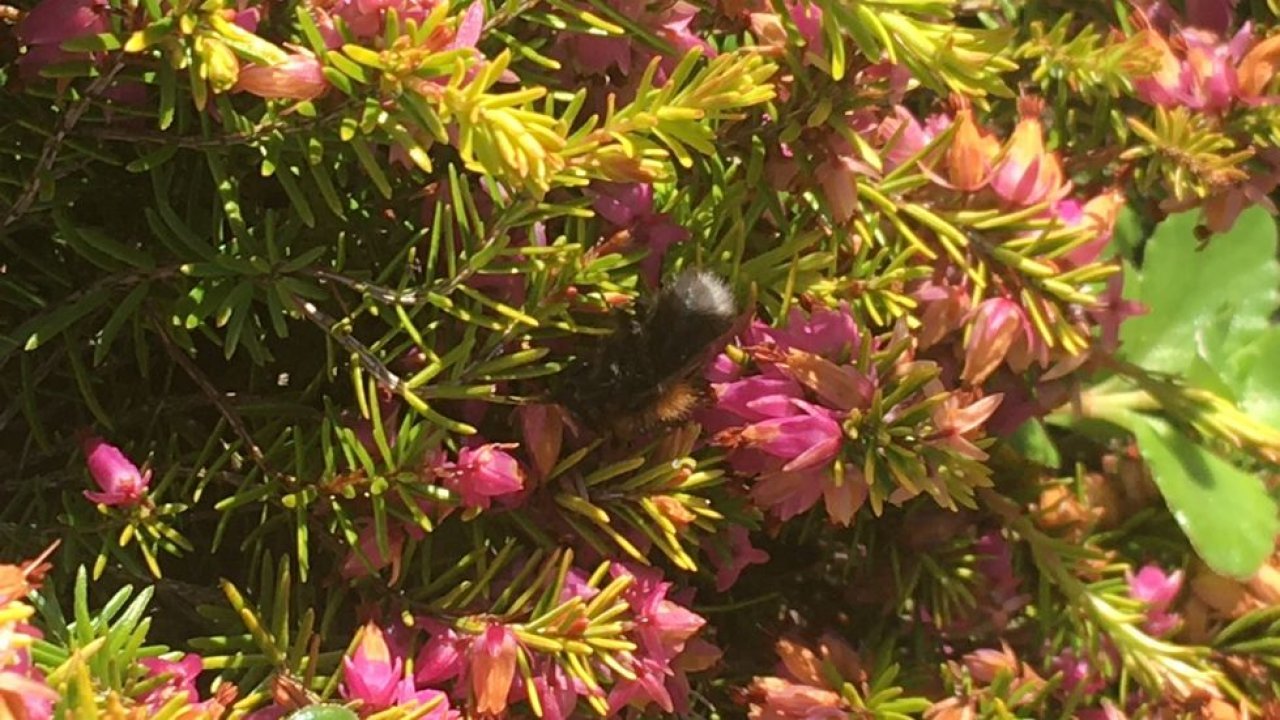
Érica cinerea
Muitos ramos, até 60 cm de altura. Caules com rebentos curtos e folhosos, de cor verde-escuro e brilhante. Flores roxo-carmim.
Charneca alpina
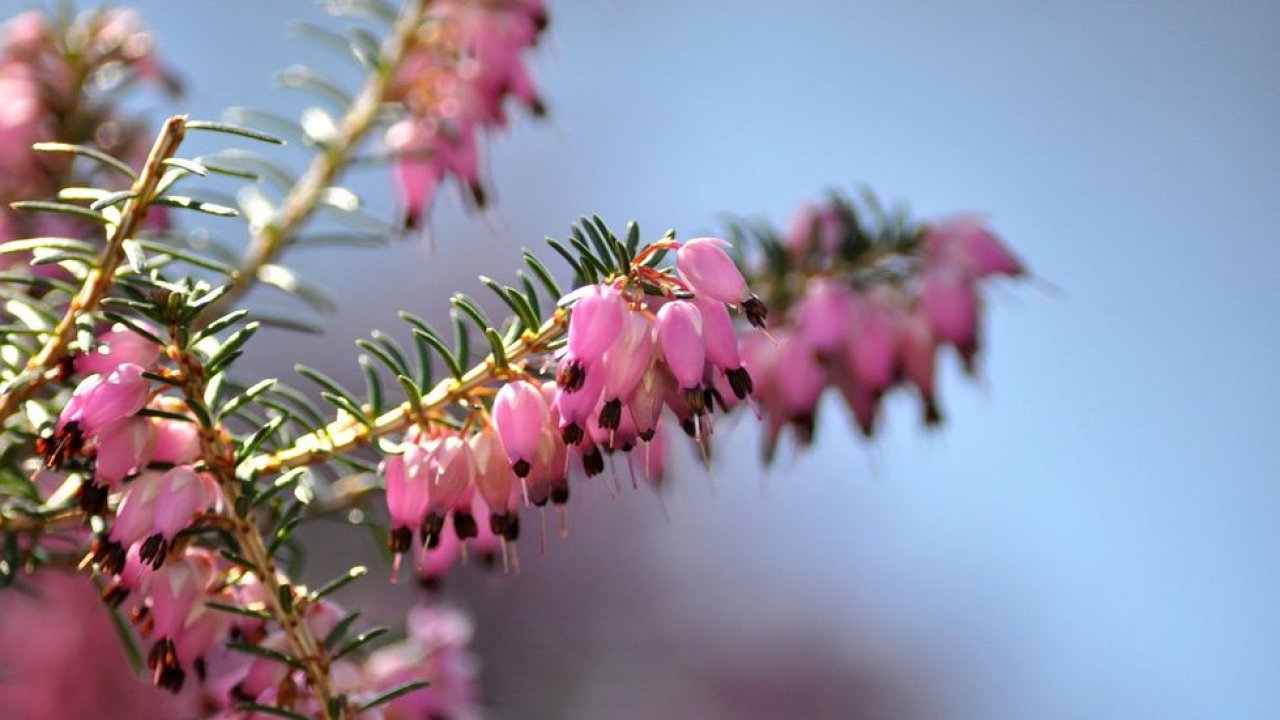
Érica Carnea
Folhas brilhantes verde-escuras em forma de agulha e flores tubulares em forma de sino, cor-de-rosa, roxas ou brancas.
Grou-do-prado
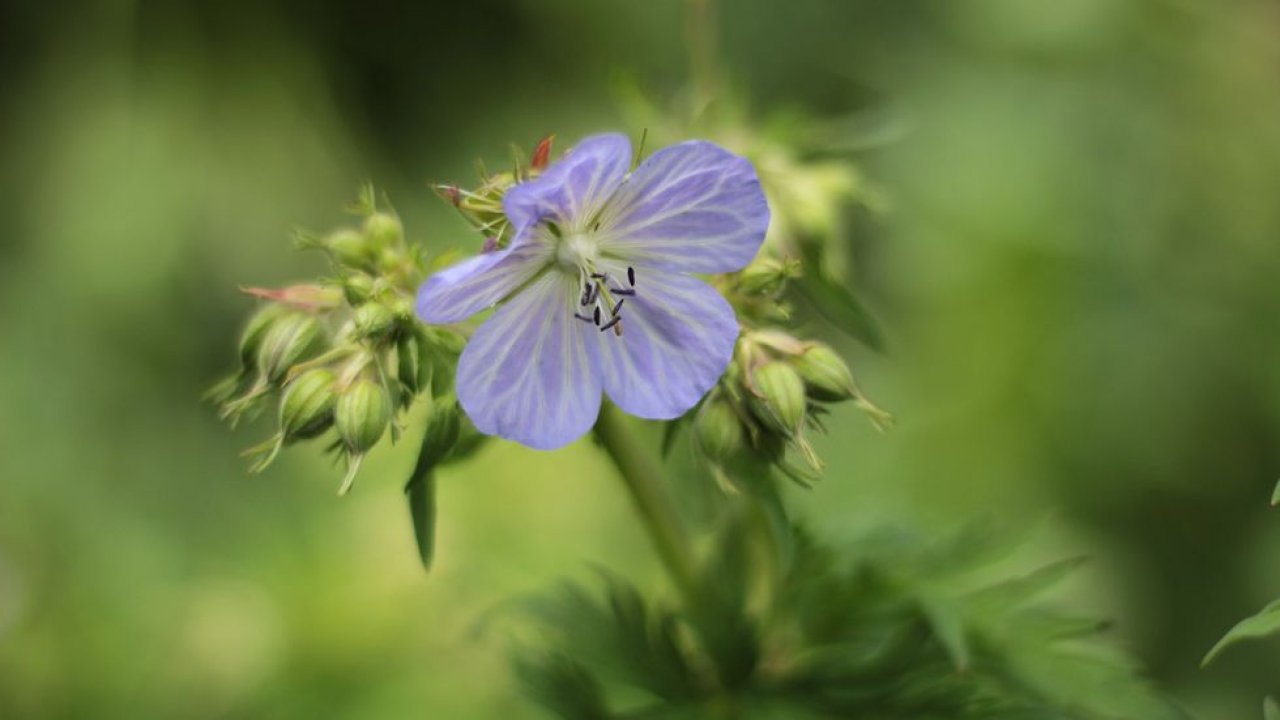
Gerânio pratense
Folhas profundamente divididas; flores azul-violeta
Bico-de-grou-malhado

Gerânio maculatum
Folíolos separados que saem do caule ou pecíolo esquerdo; flores cor-de-rosa, roxas ou brancas.
Bico de guindaste sangrento
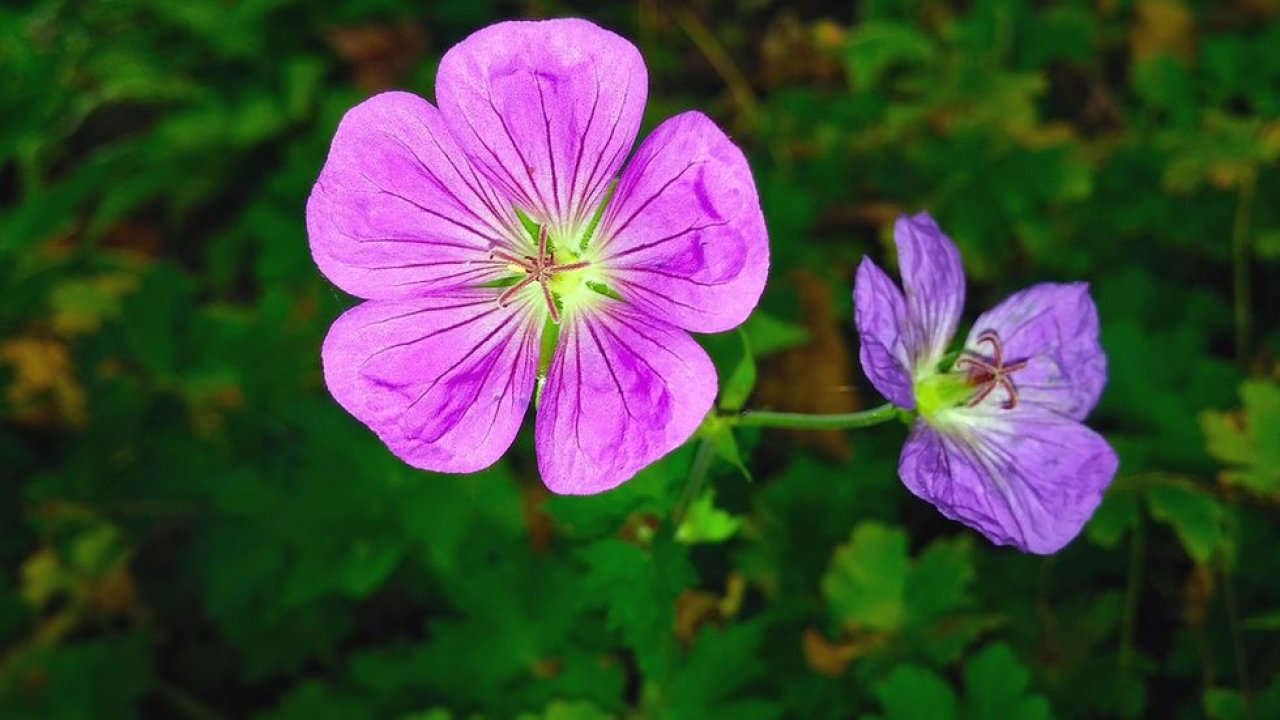
Gerânio sanguíneo
Folhas profundamente divididas; flores carmesim.
Can I use my user account in multiple apps?
Absolutely! After creating your user account, you can log in with it in all apps and projects on the SPOTTERON platform without the need to register again. You can find additional apps and topics here: https://www.spotteron.app/apps - Please be invited to download any app which you like to join and start spotting!
How can I erase my stored personal data?
To erase all your personal data stored on Spotteron you can simply go to the settings panel in the app you use. There you can enter your current password there as confirmation about your identity and then just "klick" Delete now. There is not even a delay, your personal data is automatically erased.
GPS-Location doesn't work. What can I do?
At the first start of the app, it asks for permission to use the location of your phone. Please make sure that you have granted that permission - you can find an app's permission in your phone settings. Alternatively, you can uninstall and reinstall the app and grant permission - no worries, no user account data or observations are lost, you have simply to log in again.
If the reticle doesn't jump to your current location, you can also use the address search  to find it or move the map to your current location manually.
If you want to be use your location, you need to turn on "Location" in your phone's quick settings (if it wasn't turned on already) and open the app again, wait a few seconds and click on the crosshairs 

Please visit the website about the SPOTTERON Platform on www.spotteron.net
This website uses no external trackers, no analytics, just session cookies and values your online privacy.