Short note: This website is in Beta - we are currently building everything up but you can already find the apps to download and participate! Thank you and stay safe!

 Questions, help or just curious?
other species in SpiderSpotter App spotted by Josh DuVall on 16.06.2024
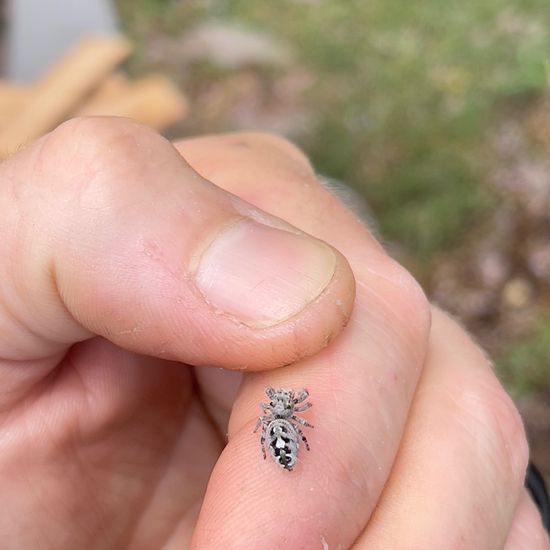
other species spotted by Josh DuVall: “Found lounging on a tulip tree sapling in my backyard.” in the SpiderSpotter App on 16.06.2024
#SpiderSpotter #otherspecies #SPOTTERON
Conical Trashline Orb Weaver in SpiderSpotter App spotted by Jo2theCyo on 11.07.2024
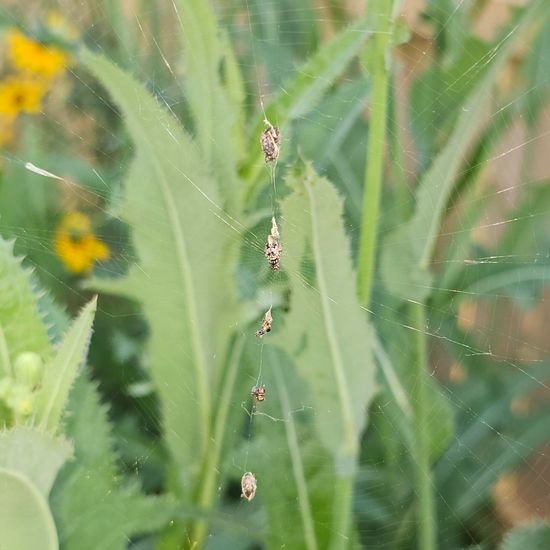
Conical Trashline Orb Weaver spotted by Jo2theCyo: “Trashline Orbweaver” in the SpiderSpotter App on 11.07.2024
#SpiderSpotter #ConicalTrashlineOrbWeaver #SPOTTERON
Ground Wolf Spider in SpiderSpotter App spotted by Jo2theCyo on 02.06.2024
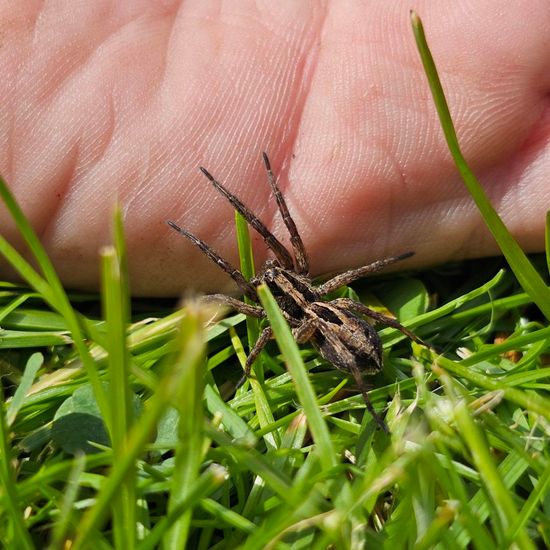
Ground Wolf Spider spotted by Jo2theCyo:in the SpiderSpotter App on 02.06.2024
#SpiderSpotter #GroundWolfSpider #SPOTTERON
Grey Cross Spider in SpiderSpotter App spotted by Polaris on 13.07.2024
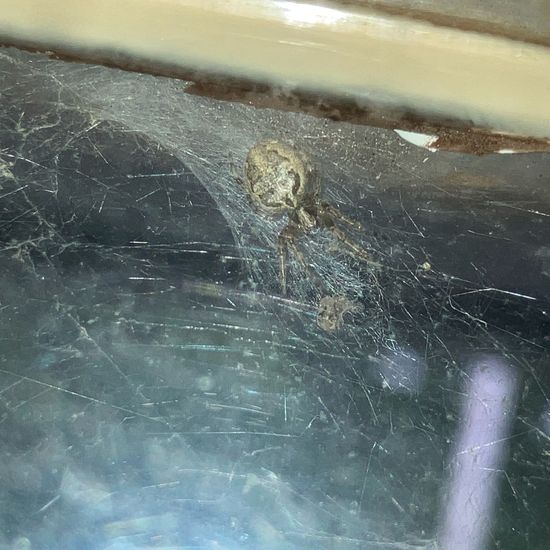
Grey Cross Spider spotted by Polaris:in the SpiderSpotter App on 13.07.2024
#SpiderSpotter #GreyCrossSpider #SPOTTERON
Furrow Orbweaver in SpiderSpotter App spotted by Lunar Rune on 13.07.2024
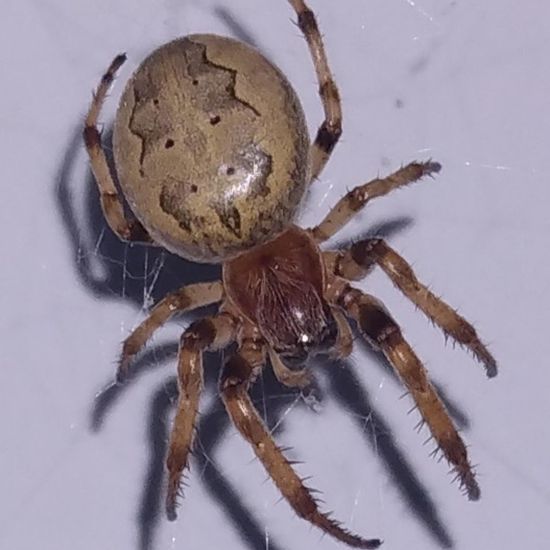
Furrow Orbweaver spotted by Lunar Rune: “Found at the top of my house, just below the peak of the roof. Very large web, babies found scattered around in their own webs. Very large empty egg sack under the overhang of the roof.” in the SpiderSpotter App on 13.07.2024
#SpiderSpotter #FurrowOrbweaver #SPOTTERON
Cross Orbweaver in SpiderSpotter App spotted by Lav on 13.07.2024
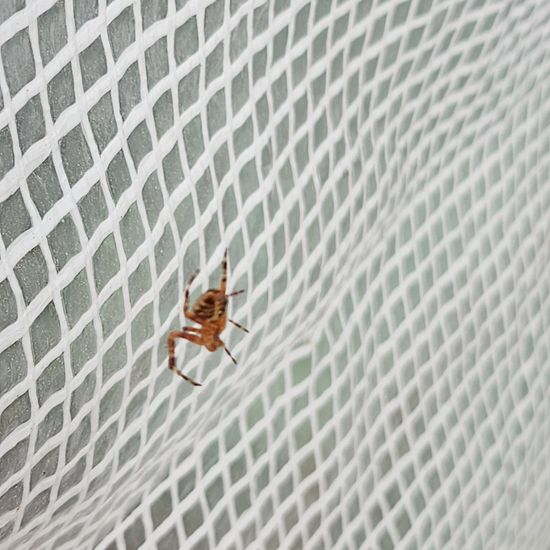
Cross Orbweaver spotted by Lav:in the SpiderSpotter App on 13.07.2024
#SpiderSpotter #CrossOrbweaver #SPOTTERON
Walnut Orb Weaver in SpiderSpotter App spotted by Lav on 13.07.2024
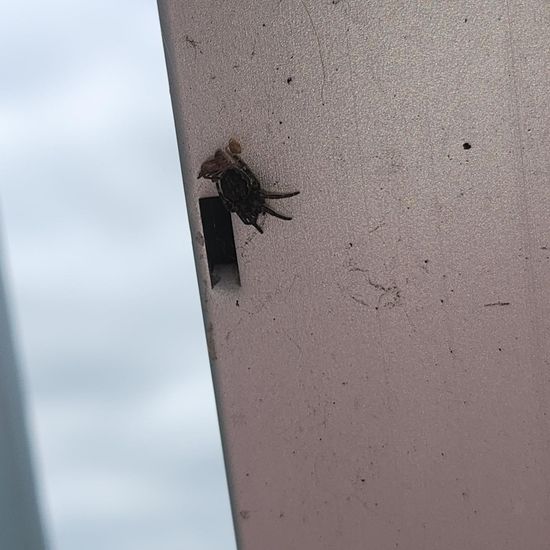
Walnut Orb Weaver spotted by Lav: “Before about two months a sack of baby or walnut weavers hatched in a box I provided them since the mother died and had left them in the middle of my apartment. I let them grow big enough and naturally disparce in the wind on my balcony. This little one have stayed behind and us showing off a fresh mold” in the SpiderSpotter App on 13.07.2024
#SpiderSpotter #WalnutOrbWeaver #SPOTTERON
Normal size in SpiderSpotter App spotted by Yeva on 02.07.2024
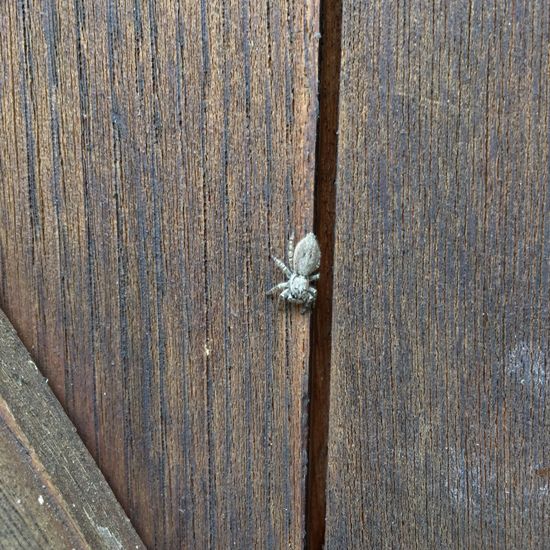
Normal size spotted by Yeva: “I saw this cutie on a friend’s house’s door outside, it was pretty fast and although it looks like a jumping spider it didn’t seem to jump around when approached. Another thing i noticed is that it had a pretty flat abdomen.” in the SpiderSpotter App on 02.07.2024
#SpiderSpotter #Normalsize #SPOTTERON
unknown species in SpiderSpotter App spotted by Yeva on 29.06.2024
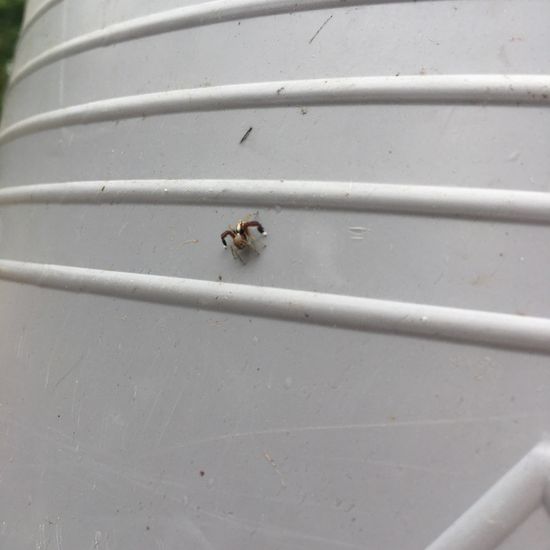
unknown species spotted by Yeva: “Looks like a male but im not sure, same for the species i don’t know what it is.” in the SpiderSpotter App on 29.06.2024
#SpiderSpotter #unknownspecies #SPOTTERON
Cellar Spider in SpiderSpotter App spotted by Yeva on 12.12.2023
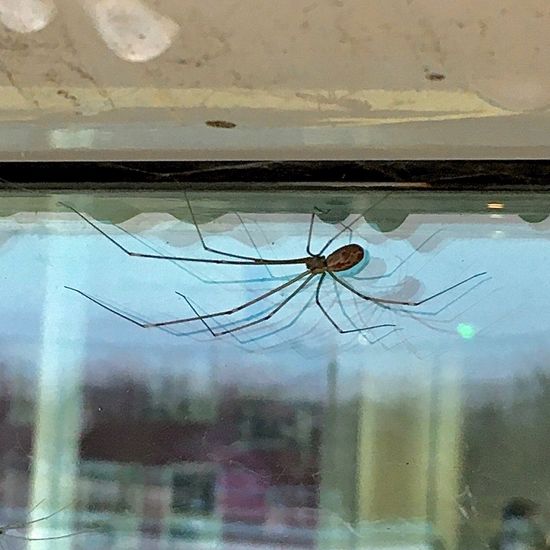
Cellar Spider spotted by Yeva: “A beautiful big girl i saw outside an office’s window :)” in the SpiderSpotter App on 12.12.2023
#SpiderSpotter #CellarSpider #SPOTTERON
Can I use my user account in multiple apps?
Absolutely! After creating your user account, you can log in with it in all apps and projects on the SPOTTERON platform without the need to register again. You can find additional apps and topics here: https://www.spotteron.app/apps - Please be invited to download any app which you like to join and start spotting!
How can I erase my stored personal data?
To erase all your personal data stored on Spotteron you can simply go to the settings panel in the app you use. There you can enter your current password there as confirmation about your identity and then just "klick" Delete now. There is not even a delay, your personal data is automatically erased.
GPS-Location doesn't work. What can I do?
At the first start of the app, it asks for permission to use the location of your phone. Please make sure that you have granted that permission - you can find an app's permission in your phone settings. Alternatively, you can uninstall and reinstall the app and grant permission - no worries, no user account data or observations are lost, you have simply to log in again.
If the reticle doesn't jump to your current location, you can also use the address search  to find it or move the map to your current location manually.
If you want to be use your location, you need to turn on "Location" in your phone's quick settings (if it wasn't turned on already) and open the app again, wait a few seconds and click on the crosshairs 

Please visit the website about the SPOTTERON Platform on www.spotteron.net
This website uses no external trackers, no analytics, just session cookies and values your online privacy.