Short note: This website is in Beta - we are currently building everything up but you can already find the apps to download and participate! Thank you and stay safe!

 Questions, help or just curious?
Native in Soils for Science App spotted by CraigWelden on 02.05.2021
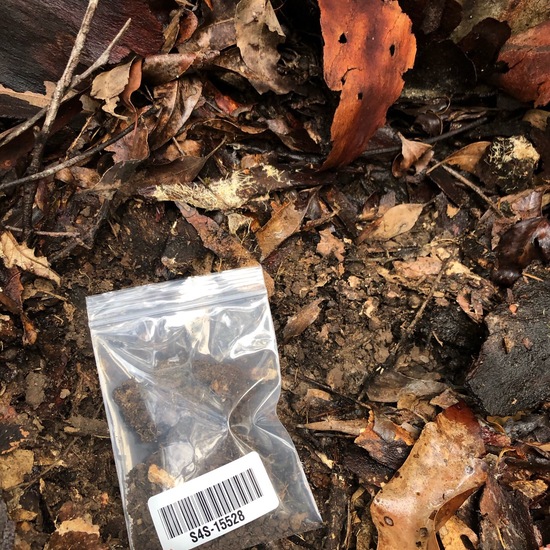
Native spotted by CraigWelden: “Next to spotted gum” in the Soils for Science App on 02.05.2021
#SoilsforScience #Native #SPOTTERON
Rural in Soils for Science App spotted by Spennophile on 02.05.2021
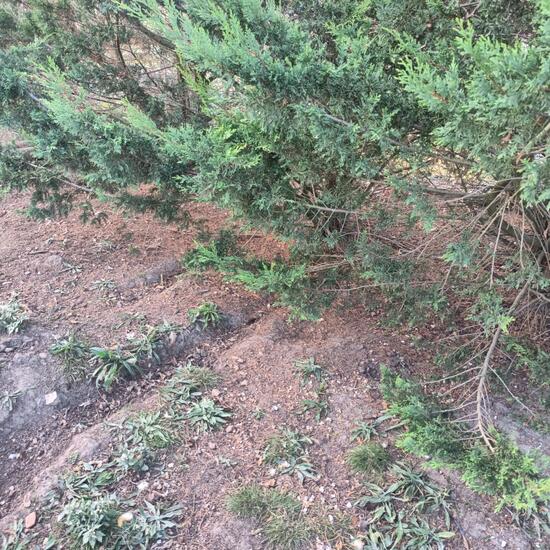
Rural spotted by Spennophile: “Soil from under conifers at the free rage chicken pasture” in the Soils for Science App on 02.05.2021
#SoilsforScience #Rural #SPOTTERON
Urban in Soils for Science App spotted by Carolynngay on 02.05.2021
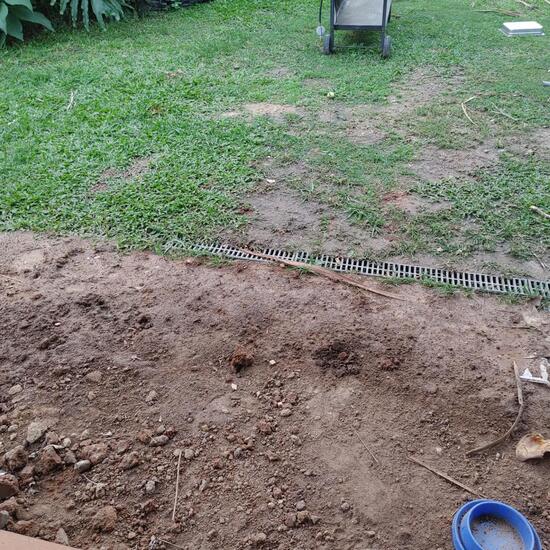
Urban spotted by Carolynngay: “My sons back yard” in the Soils for Science App on 02.05.2021
#SoilsforScience #Urban #SPOTTERON
Rural in Soils for Science App spotted by PetrolPup on 02.05.2021
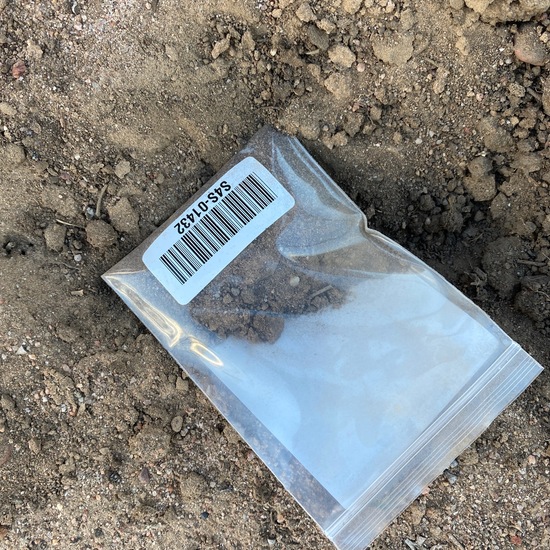
Rural spotted by PetrolPup:in the Soils for Science App on 02.05.2021
#SoilsforScience #Rural #SPOTTERON
Rural in Soils for Science App spotted by cmclean87 on 24.04.2021
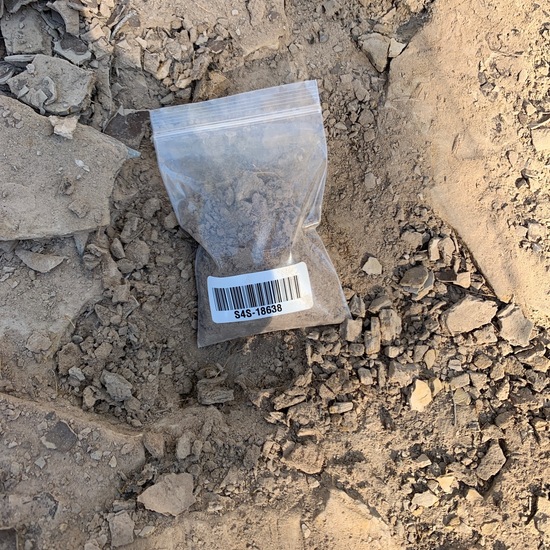
Rural spotted by cmclean87:in the Soils for Science App on 24.04.2021
#SoilsforScience #Rural #SPOTTERON
Urban in Soils for Science App spotted by IanneKerry Levingston on 30.04.2021
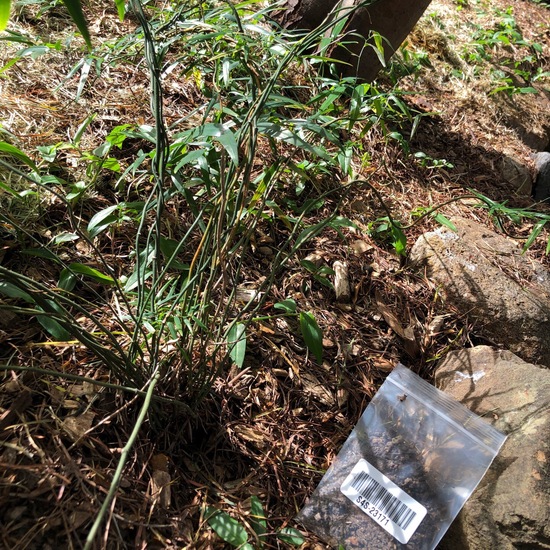
Urban spotted by IanneKerry Levingston: “Near root of acacia fimbriata and native scrambling vine” in the Soils for Science App on 30.04.2021
#SoilsforScience #Urban #SPOTTERON
Urban in Soils for Science App spotted by Cheesecake on 30.04.2021
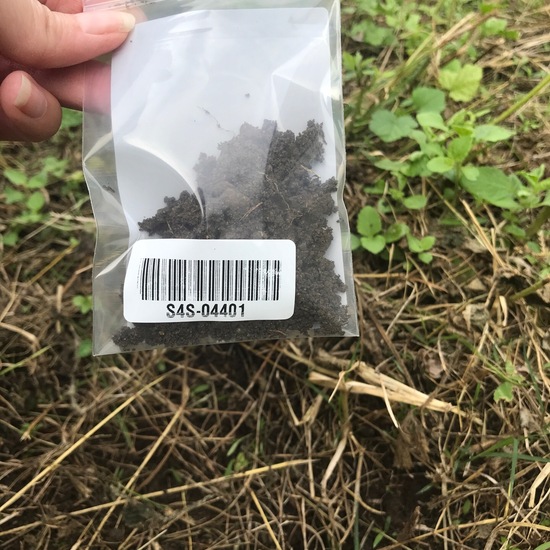
Urban spotted by Cheesecake:in the Soils for Science App on 30.04.2021
#SoilsforScience #Urban #SPOTTERON
Urban in Soils for Science App spotted by Nanniegirl on 24.04.2021
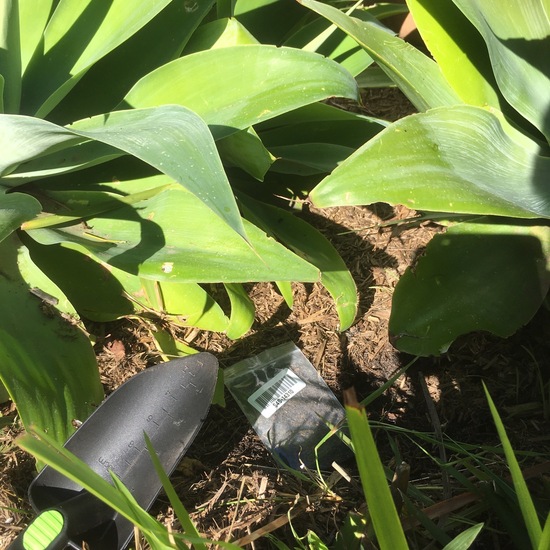
Urban spotted by Nanniegirl:in the Soils for Science App on 24.04.2021
#SoilsforScience #Urban #SPOTTERON
Rural in Soils for Science App spotted by Beltane on 30.04.2021
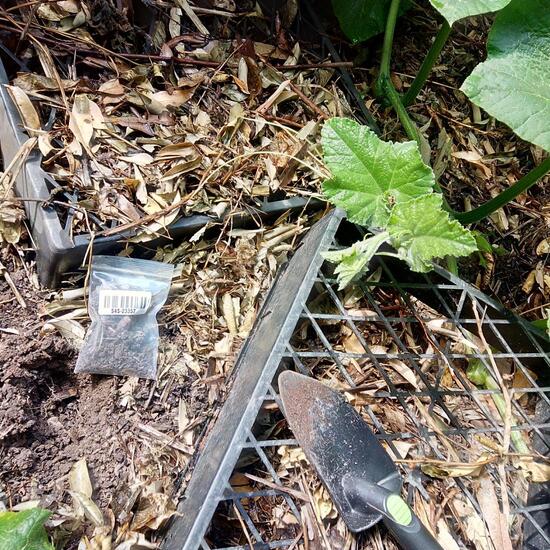
Rural spotted by Beltane:in the Soils for Science App on 30.04.2021
#SoilsforScience #Rural #SPOTTERON
Native in Soils for Science App spotted by Beltane on 30.04.2021
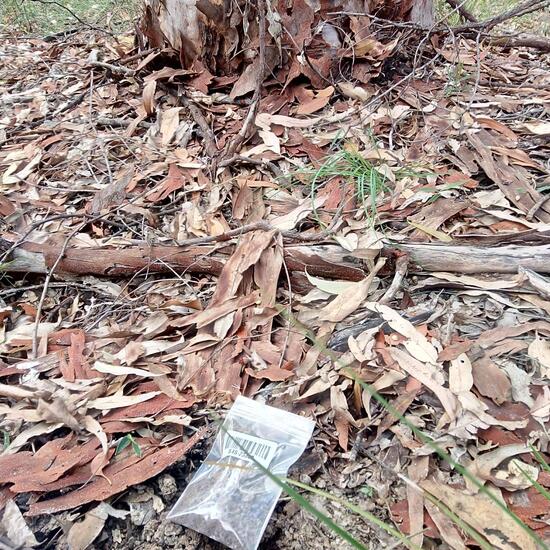
Native spotted by Beltane: “Half way down back track” in the Soils for Science App on 30.04.2021
#SoilsforScience #Native #SPOTTERON
Can I use my user account in multiple apps?
Absolutely! After creating your user account, you can log in with it in all apps and projects on the SPOTTERON platform without the need to register again. You can find additional apps and topics here: https://www.spotteron.app/apps - Please be invited to download any app which you like to join and start spotting!
How can I erase my stored personal data?
To erase all your personal data stored on Spotteron you can simply go to the settings panel in the app you use. There you can enter your current password there as confirmation about your identity and then just "klick" Delete now. There is not even a delay, your personal data is automatically erased.
GPS-Location doesn't work. What can I do?
At the first start of the app, it asks for permission to use the location of your phone. Please make sure that you have granted that permission - you can find an app's permission in your phone settings. Alternatively, you can uninstall and reinstall the app and grant permission - no worries, no user account data or observations are lost, you have simply to log in again.
If the reticle doesn't jump to your current location, you can also use the address search  to find it or move the map to your current location manually.
If you want to be use your location, you need to turn on "Location" in your phone's quick settings (if it wasn't turned on already) and open the app again, wait a few seconds and click on the crosshairs 

Please visit the website about the SPOTTERON Platform on www.spotteron.net
This website uses no external trackers, no analytics, just session cookies and values your online privacy.