Short note: This website is in Beta - we are currently building everything up but you can already find the apps to download and participate! Thank you and stay safe!

 Questions, help or just curious?
Plants in NatureSpots App spotted by Ka vonSeiten on 15.09.2021
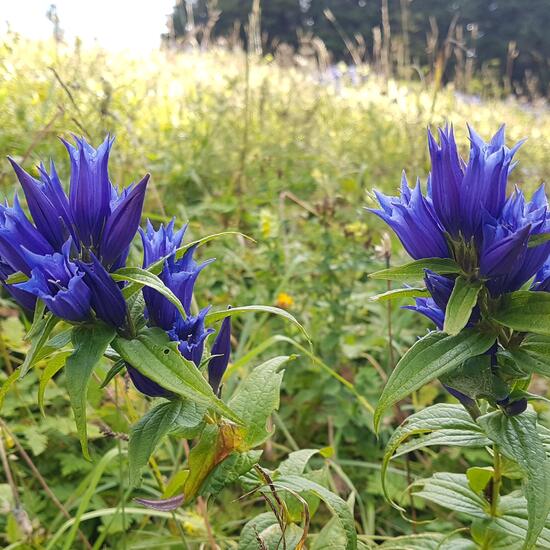
Plants spotted by Ka vonSeiten: “Eine weitere Enzian Art im Ötscher
#ötscher #wandern #enzian #blume” in the NatureSpots App on 15.09.2021
#NatureSpots #Plants #SPOTTERON
Animals in NatureSpots App spotted by Danny VG on 14.09.2021
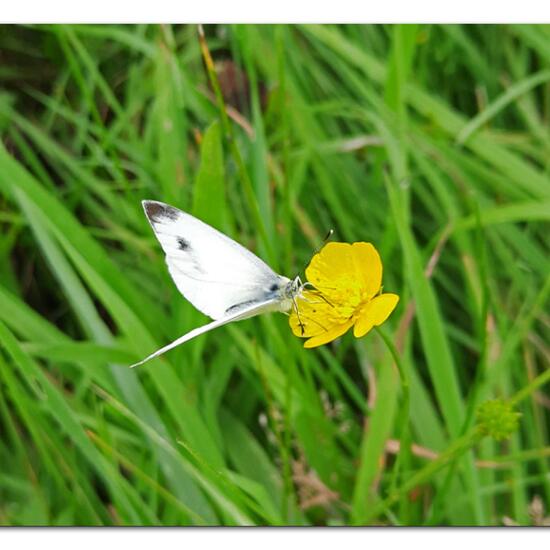
Animals spotted by Danny VG: “Mein erster Pieris mannii, hier ein sehr seltener” in the NatureSpots App on 14.09.2021
#NatureSpots #Animals #SPOTTERON
Plants in NatureSpots App spotted by Mamabird on 14.09.2021
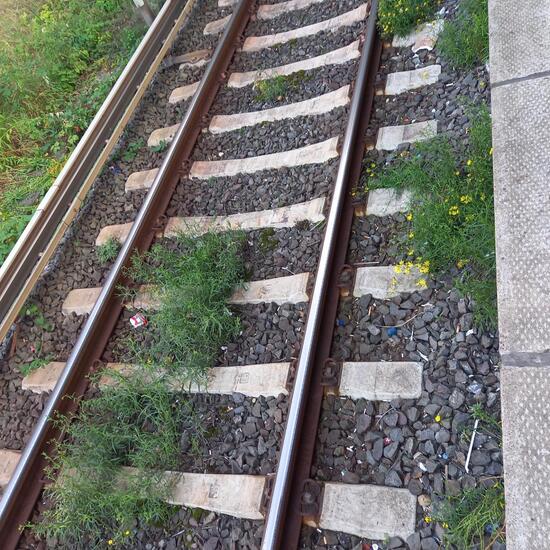
Plants spotted by Mamabird: “Fühlt sich wohl im Gleisbett, obwohl im 5 Minuten Takt Bahnen drüberfahren.” in the NatureSpots App on 14.09.2021
#NatureSpots #Plants #SPOTTERON
Animals in NatureSpots App spotted by Insectsvienna on 14.09.2021
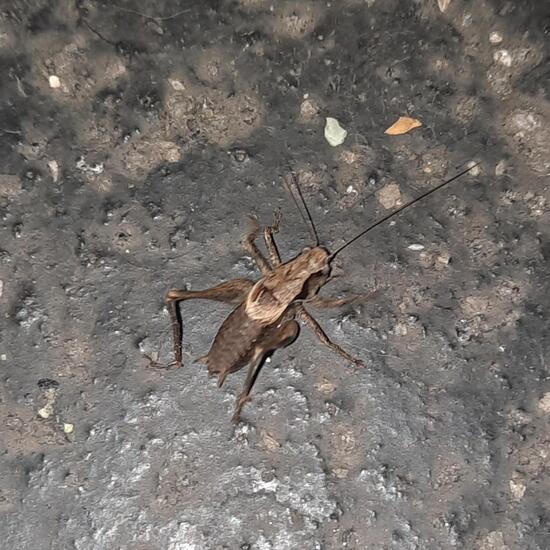
Animals spotted by Insectsvienna:in the NatureSpots App on 14.09.2021
#NatureSpots #Animals #SPOTTERON
Animals in NatureSpots App spotted by OSWR/Vali on 14.09.2021
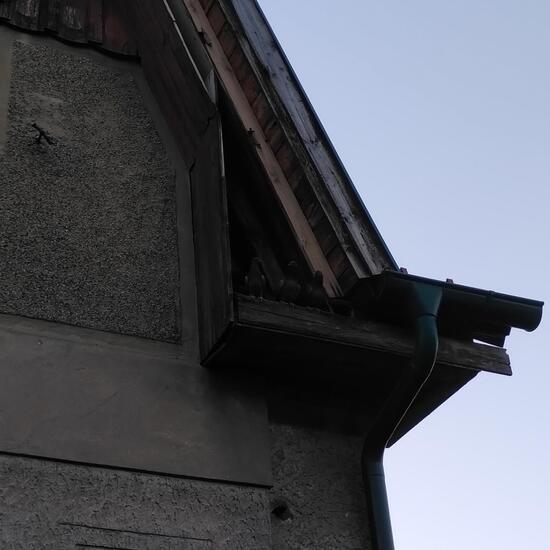
Animals spotted by OSWR/Vali: “Scheinen hier zu leben” in the NatureSpots App on 14.09.2021
#NatureSpots #Animals #SPOTTERON
Plants in NatureSpots App spotted by Ka vonSeiten on 14.09.2021
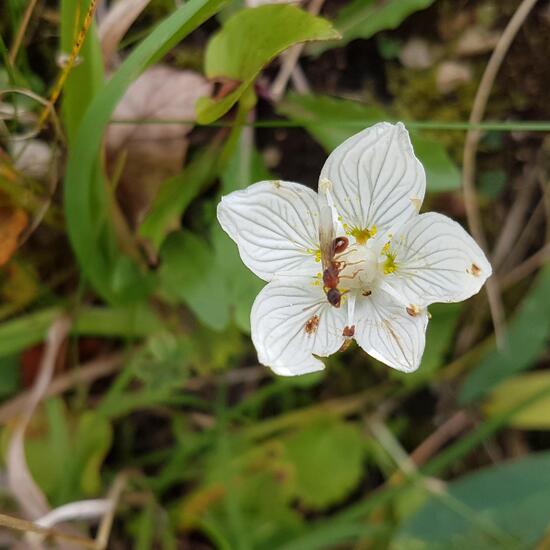
Plants spotted by Ka vonSeiten: “Noch immer Season Ötscher:)
Mir unbekannte kleine Blume
#ötscher #wandern #blume” in the NatureSpots App on 14.09.2021
#NatureSpots #Plants #SPOTTERON
Animals in NatureSpots App spotted by Hahnebach on 14.09.2021
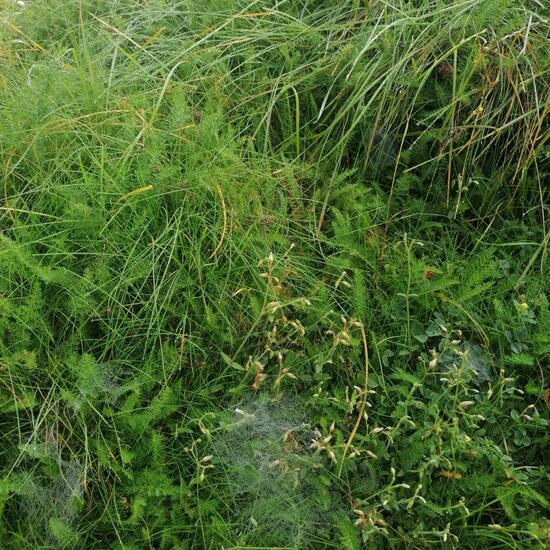
Animals spotted by Hahnebach: “Heute morgen mal durch den Garten gelaufen als es noch nass war, Spinnennetze ohne Ende” in the NatureSpots App on 14.09.2021
#NatureSpots #Animals #SPOTTERON
Animals in NatureSpots App spotted by BöPour on 14.09.2021
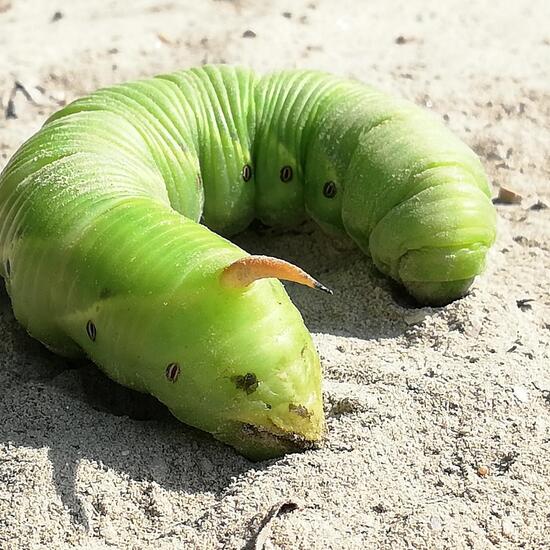
Animals spotted by BöPour: “Welche Raupe ist das? Hab sie in Sicherheit gebracht, hoffentlich ist sie nicht wieder zurück auf den Radweg..” in the NatureSpots App on 14.09.2021
#NatureSpots #Animals #SPOTTERON
Animals in NatureSpots App spotted by El Mex on 13.09.2021
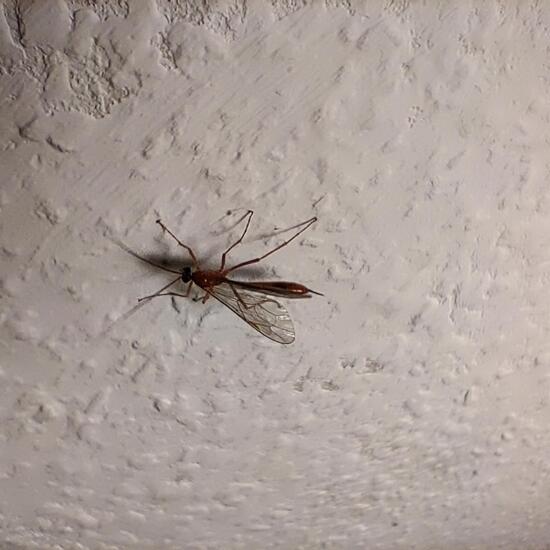
Animals spotted by El Mex: “Leider haben sie sich immer zu dicht an die Lampe gesetzt..... so das auf dem Foto die Farbe schlecht raus kommt.
Dies ist ein Foto von der 2. die rein kam, allerdings bin ich unsicher ob nicht die 1. die ich zum Fenster ausgesetzt habe nicht evtl kurz danach wieder rein kam.” in the NatureSpots App on 13.09.2021
#NatureSpots #Animals #SPOTTERON
Animals in NatureSpots App spotted by El Mex on 12.09.2021
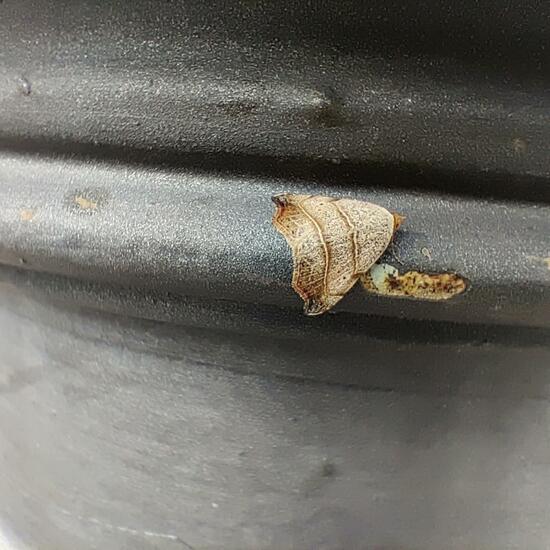
Animals spotted by El Mex: “Saß am Sockel einer Laterne vor dem Schloss(Garten) um dort den Tag zu verbringen.
Der Freund mit dem ich da war meinte warum ich die Lackabplatzer fotografiere. Also durchaus gut getarnt.” in the NatureSpots App on 12.09.2021
#NatureSpots #Animals #SPOTTERON
Can I use my user account in multiple apps?
Absolutely! After creating your user account, you can log in with it in all apps and projects on the SPOTTERON platform without the need to register again. You can find additional apps and topics here: https://www.spotteron.app/apps - Please be invited to download any app which you like to join and start spotting!
How can I erase my stored personal data?
To erase all your personal data stored on Spotteron you can simply go to the settings panel in the app you use. There you can enter your current password there as confirmation about your identity and then just "klick" Delete now. There is not even a delay, your personal data is automatically erased.
GPS-Location doesn't work. What can I do?
At the first start of the app, it asks for permission to use the location of your phone. Please make sure that you have granted that permission - you can find an app's permission in your phone settings. Alternatively, you can uninstall and reinstall the app and grant permission - no worries, no user account data or observations are lost, you have simply to log in again.
If the reticle doesn't jump to your current location, you can also use the address search  to find it or move the map to your current location manually.
If you want to be use your location, you need to turn on "Location" in your phone's quick settings (if it wasn't turned on already) and open the app again, wait a few seconds and click on the crosshairs 

Please visit the website about the SPOTTERON Platform on www.spotteron.net
This website uses no external trackers, no analytics, just session cookies and values your online privacy.