Short note: This website is in Beta - we are currently building everything up but you can already find the apps to download and participate! Thank you and stay safe!

 Questions, help or just curious?
Urban & Gardens in NatureSpots App spotted by Scuccimarri_8S on 18.05.2022

Urban & Gardens spotted by Scuccimarri_8S: “Eccessiva presenza di cemento e il poco verde presente non è sfruttabile per la sosta. Poco arredo urbano” in the NatureSpots App on 18.05.2022
#NatureSpots #UrbanGardens #SPOTTERON
Urban & Gardens in NatureSpots App spotted by EleonoraMelandri on 18.05.2022
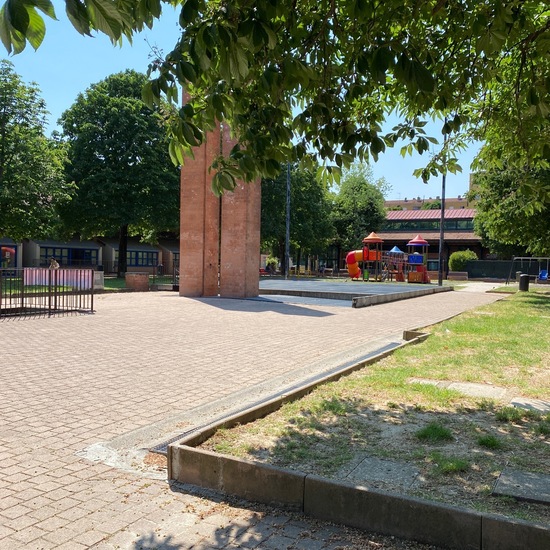
Urban & Gardens spotted by EleonoraMelandri: “Giardino pubblico con un mix di aree a prato e aree pavimentate, provvisto di arredo urbano. Nell’area sono disponibili diversi servizi che si affacciano sul giardino (uffici comunali, biblioteca, servizi per l’infanzia, cinema, centro sociale, mensa..). Dal punto di vista architettonico l’area ha una disposizione ben definita con ingressi chiari al pubblico con accesso limitato. Il confine è netto in quanto ben definito dagli edifici circostanti. Il giardino presenta un buon livello di pulizia e un discreto livello di ombreggiamento. Permette una comoda attraversabilità pedonale del quartiere. Tuttavia L e numerose differenze di quota non vengono sempre raccordate in maniera adeguata per il superamento di tutte le barriere architettoniche.” in the NatureSpots App on 18.05.2022
#NatureSpots #UrbanGardens #SPOTTERON
Plants in NatureSpots App spotted by DiMartile_5P on 18.05.2022
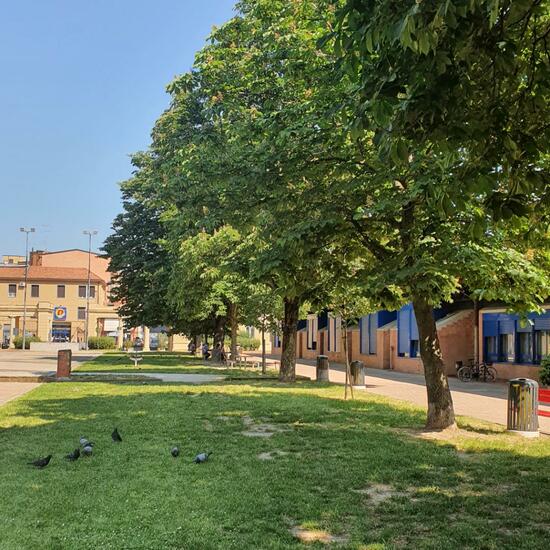
Plants spotted by DiMartile_5P: “Buon assorbimento del carbonio” in the NatureSpots App on 18.05.2022
#NatureSpots #Plants #SPOTTERON
Urban & Gardens in NatureSpots App spotted by Daidone_8S on 18.05.2022
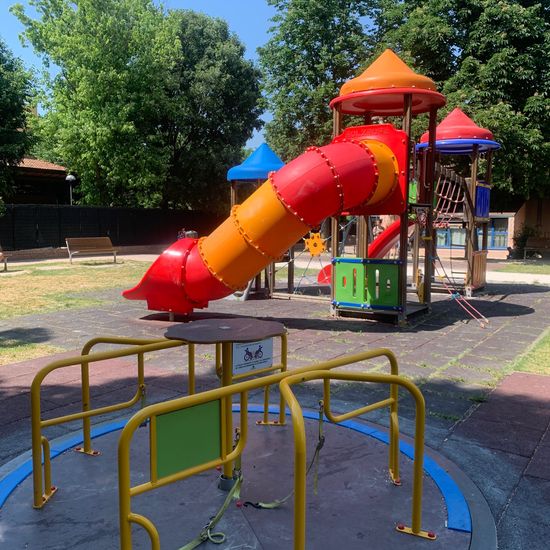
Urban & Gardens spotted by Daidone_8S: “Presenza di giochi dedicati anche ai disabili” in the NatureSpots App on 18.05.2022
#NatureSpots #UrbanGardens #SPOTTERON
Urban & Gardens in NatureSpots App spotted by Bercigli_1S on 18.05.2022
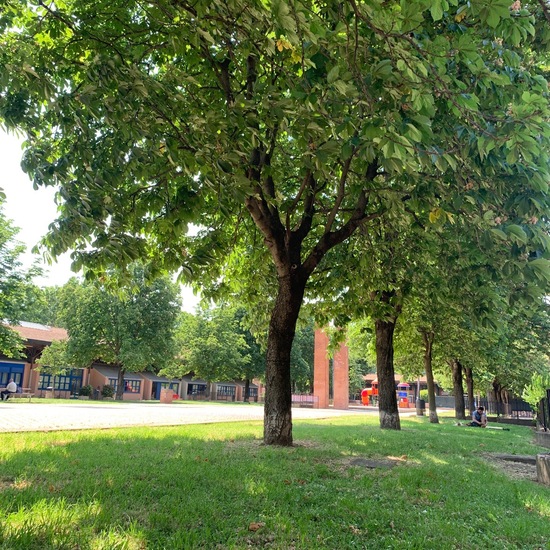
Urban & Gardens spotted by Bercigli_1S:in the NatureSpots App on 18.05.2022
#NatureSpots #UrbanGardens #SPOTTERON
Urban & Gardens in NatureSpots App spotted by Baracco_9S on 18.05.2022
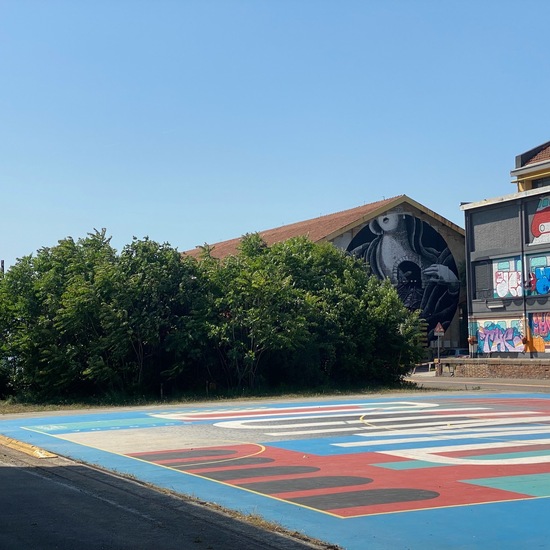
Urban & Gardens spotted by Baracco_9S: “Punto di debolezza: verde poco valorizzato” in the NatureSpots App on 18.05.2022
#NatureSpots #UrbanGardens #SPOTTERON
Urban & Gardens in NatureSpots App spotted by F. Francia_1S on 18.05.2022
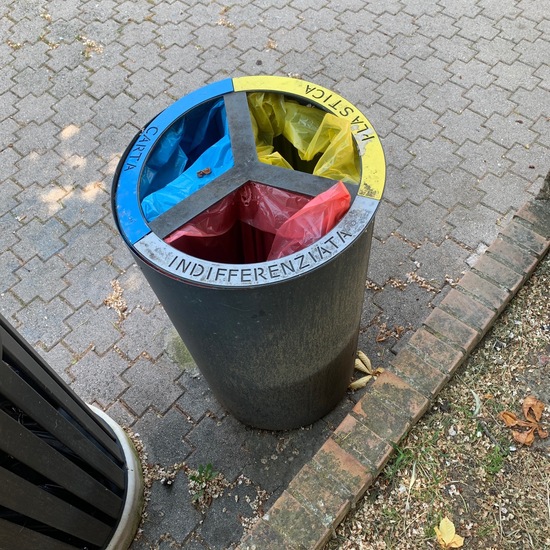
Urban & Gardens spotted by F. Francia_1S: “La raccolta differenziata è incentivata e semplificata dalla presenza di numerosi cestini” in the NatureSpots App on 18.05.2022
#NatureSpots #UrbanGardens #SPOTTERON
Other in NatureSpots App spotted by Zafferani_4S on 18.05.2022
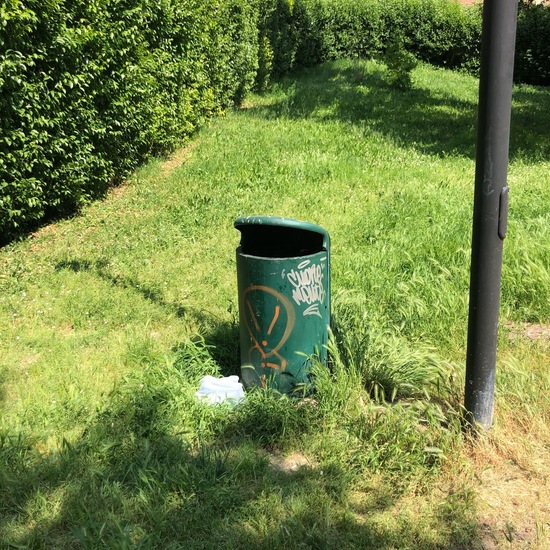
Other spotted by Zafferani_4S: “I cestini presenti sono pochi e non favoriscono la raccolta differenziata” in the NatureSpots App on 18.05.2022
#NatureSpots #Other #SPOTTERON
Plants in NatureSpots App spotted by Lukas Tierforscher on 01.05.2022
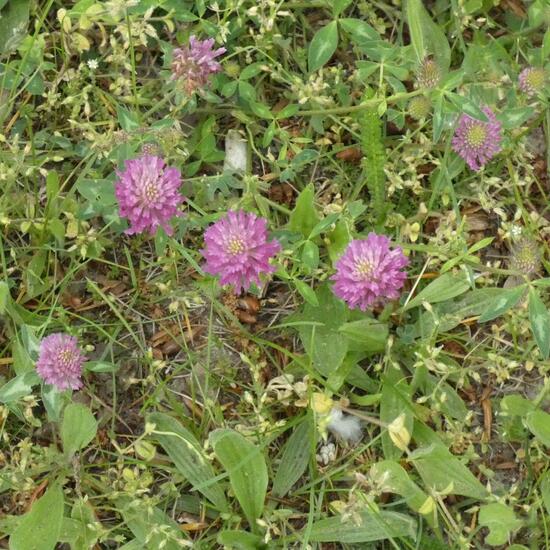
Plants spotted by Lukas Tierforscher:in the NatureSpots App on 01.05.2022
#NatureSpots #Plants #SPOTTERON
Plants in NatureSpots App spotted by Lukas Tierforscher on 15.04.2022
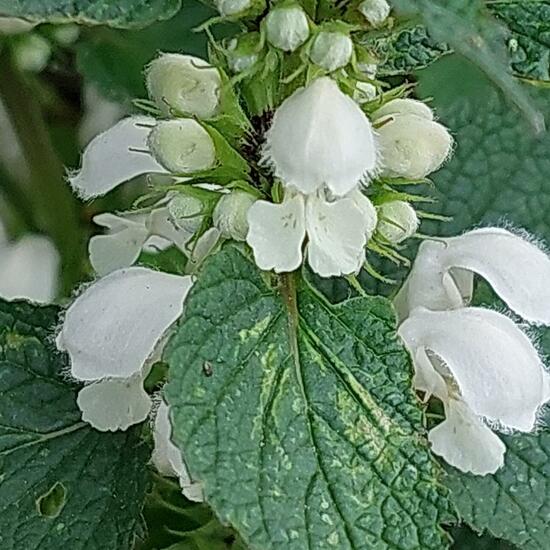
Plants spotted by Lukas Tierforscher:in the NatureSpots App on 15.04.2022
#NatureSpots #Plants #SPOTTERON
Can I use my user account in multiple apps?
Absolutely! After creating your user account, you can log in with it in all apps and projects on the SPOTTERON platform without the need to register again. You can find additional apps and topics here: https://www.spotteron.app/apps - Please be invited to download any app which you like to join and start spotting!
How can I erase my stored personal data?
To erase all your personal data stored on Spotteron you can simply go to the settings panel in the app you use. There you can enter your current password there as confirmation about your identity and then just "klick" Delete now. There is not even a delay, your personal data is automatically erased.
GPS-Location doesn't work. What can I do?
At the first start of the app, it asks for permission to use the location of your phone. Please make sure that you have granted that permission - you can find an app's permission in your phone settings. Alternatively, you can uninstall and reinstall the app and grant permission - no worries, no user account data or observations are lost, you have simply to log in again.
If the reticle doesn't jump to your current location, you can also use the address search  to find it or move the map to your current location manually.
If you want to be use your location, you need to turn on "Location" in your phone's quick settings (if it wasn't turned on already) and open the app again, wait a few seconds and click on the crosshairs 

Please visit the website about the SPOTTERON Platform on www.spotteron.net
This website uses no external trackers, no analytics, just session cookies and values your online privacy.