Short note: This website is in Beta - we are currently building everything up but you can already find the apps to download and participate! Thank you and stay safe!

 Questions, help or just curious?
Friedhof in Landauf, LandApp BW App spotted by Angel Ruiz on 25.04.2021
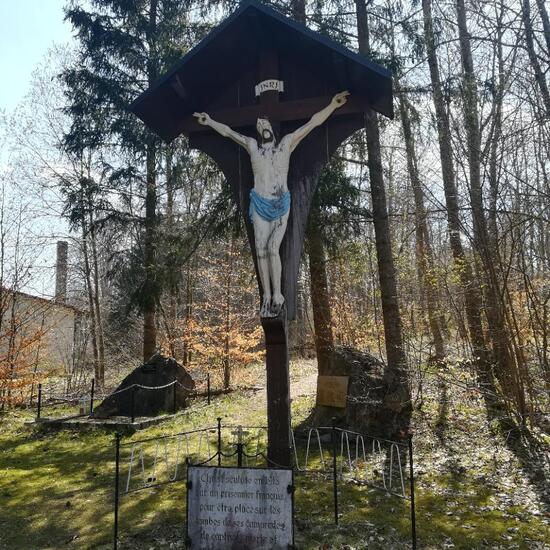
Friedhof spotted by Angel Ruiz:in the Landauf, LandApp BW App on 25.04.2021
#LandaufLandAppBW #Friedhof #SPOTTERON
Aussichtspunkt in Landauf, LandApp BW App spotted by Judith Zimmermann on 24.04.2021
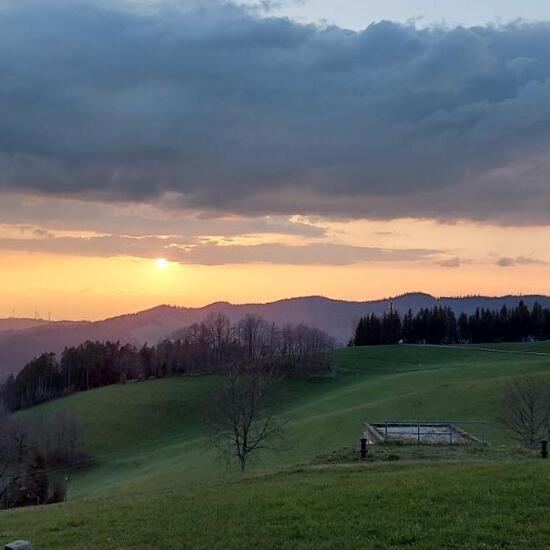
Aussichtspunkt spotted by Judith Zimmermann: “Sonnenuntergang bei St. Peter” in the Landauf, LandApp BW App on 24.04.2021
#LandaufLandAppBW #Aussichtspunkt #SPOTTERON
See in Landauf, LandApp BW App spotted by CyclingLibrarian on 18.04.2021
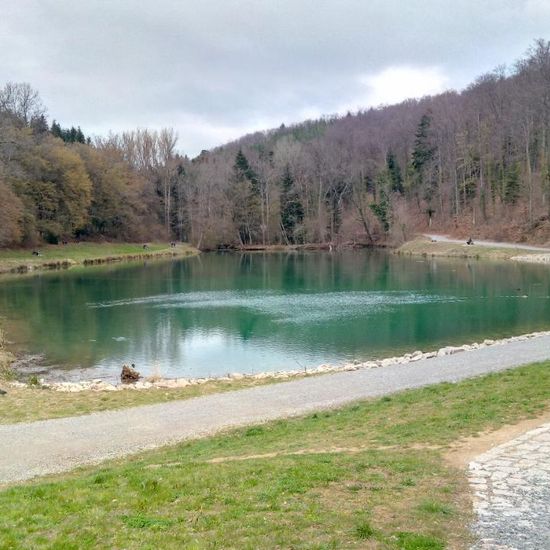
See spotted by CyclingLibrarian: “Kein Badesee, aber dennoch ein schönes Ausflugsziel für Klein und Groß.” in the Landauf, LandApp BW App on 18.04.2021
#LandaufLandAppBW #See #SPOTTERON
Sonstiges in Landauf, LandApp BW App spotted by Judith Zimmermann on 12.04.2021
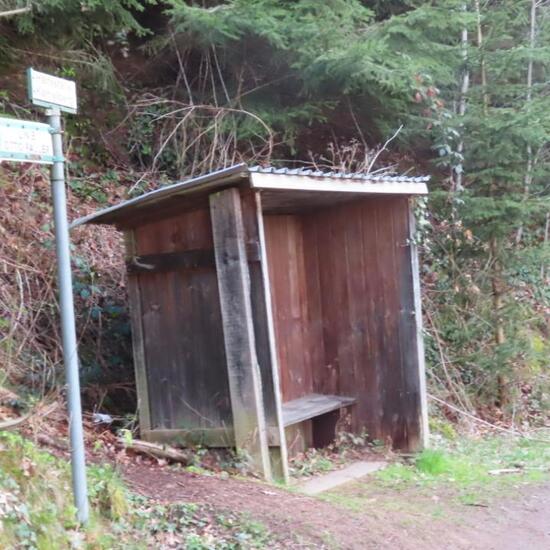
Sonstiges spotted by Judith Zimmermann:in the Landauf, LandApp BW App on 12.04.2021
#LandaufLandAppBW #Sonstiges #SPOTTERON
Wald in Landauf, LandApp BW App spotted by Judith Zimmermann on 12.04.2021
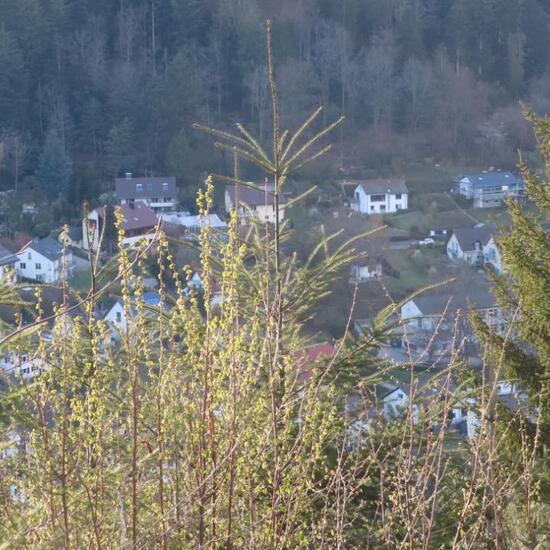
Wald spotted by Judith Zimmermann:in the Landauf, LandApp BW App on 12.04.2021
#LandaufLandAppBW #Wald #SPOTTERON
Aussichtspunkt in Landauf, LandApp BW App spotted by Judith Zimmermann on 12.04.2021
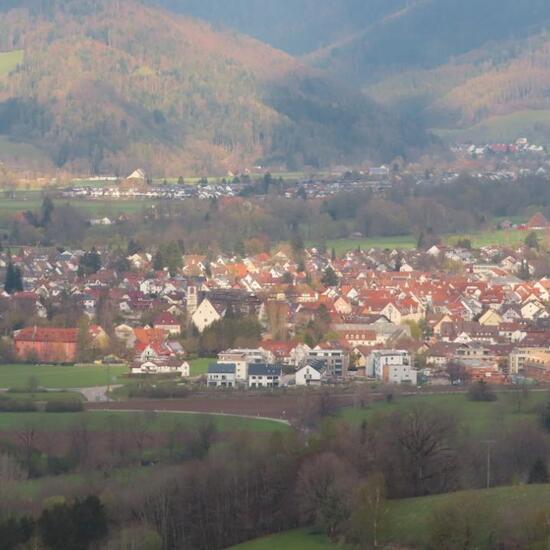
Aussichtspunkt spotted by Judith Zimmermann:in the Landauf, LandApp BW App on 12.04.2021
#LandaufLandAppBW #Aussichtspunkt #SPOTTERON
Festungsanlage in Landauf, LandApp BW App spotted by Angel Ruiz on 10.04.2021
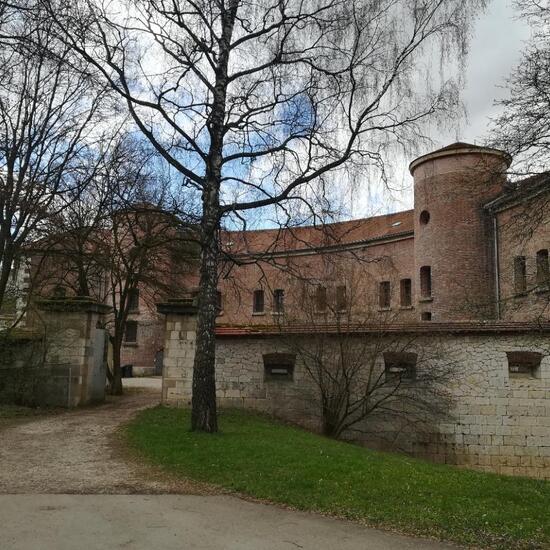
Festungsanlage spotted by Angel Ruiz: “Erbaut von 1848 bis 1856 unter Leitung von Oberleutnant Faber du Faur. Belegbar mit max. 684 Mann. Wichtiger Stützpunkt im Westen, das Fort Unterer Eselsberg verlor seine Stellung mit dem Bau der neuen Forts am Oberen Eselsberg um 1880. Ab 1903 wurde die Anlage als Munitionsanstalt benutzt.
Im Zweiten Weltkrieg wurde das Fort mehrmals von Bomber getroffen.
1985 wurde die Anlage restauriert. Das Reduit wird heute von Vereine und Jugendgruppen benutzt.
Quelle: Burger, Matthias: Die Bundesfestung Ulm, 2006 Ulm” in the Landauf, LandApp BW App on 10.04.2021
#LandaufLandAppBW #Festungsanlage #SPOTTERON
Kirche in Landauf, LandApp BW App spotted by Angel Ruiz on 10.04.2021
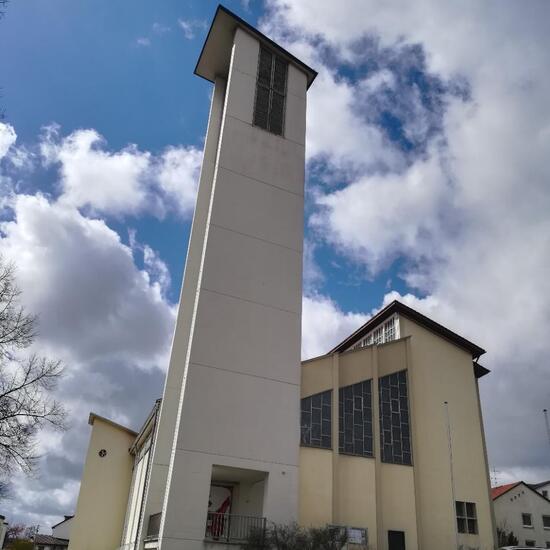
Kirche spotted by Angel Ruiz: “Eingeweiht am 1. Juli 1956 im neuen Stadtviertel Eselsberg. Der Ulmer Architekt Josef Joraschky schuf die markante Architektur mit dem aufsteigenden Kirchenschiff. Die Fenster im Innenraum und das Fries an der Außenwand mit dem Rosenkranz wurden von Wilhelm Geyer entworfen.
Die katholische Kirche trägt den Namen des Dominkanermönchs Heinrich Seuse, bekannter Mystiker des 14. Jahrhunderts, der ab 1348 bis zu seinem Tod am 25. Januar 1366 im Dominikanerkonvent zu Ulm lebte.
Quelle: suso-ulm.de/kirchen/” in the Landauf, LandApp BW App on 10.04.2021
#LandaufLandAppBW #Kirche #SPOTTERON
Brunnen in Landauf, LandApp BW App spotted by Torsten Englert on 08.04.2021
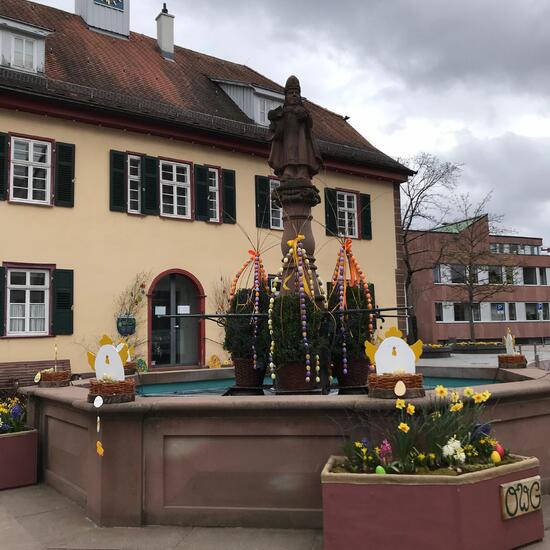
Brunnen spotted by Torsten Englert: “Brunnen als Osterbrunnen dekoriert” in the Landauf, LandApp BW App on 08.04.2021
#LandaufLandAppBW #Brunnen #SPOTTERON
Wegkreuz in Landauf, LandApp BW App spotted by Torsten Englert on 08.04.2021
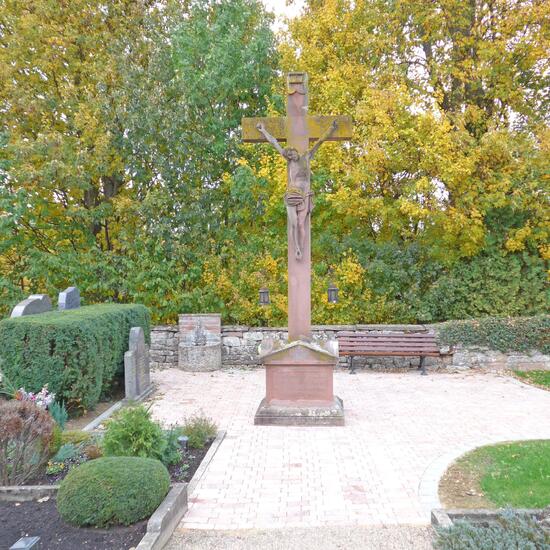
Wegkreuz spotted by Torsten Englert: “Friedhofkreuz
Inschrift Sockelmitte: Der Sold der Sünde ist der Tod,
die Gnade Gottes aber ist
ewiges Leben in Christo Jesu
unserm Herrn. Röm. VI. 23
Sockelabdeckplatte: Rette deine Seele Mission 1862” in the Landauf, LandApp BW App on 08.04.2021
#LandaufLandAppBW #Wegkreuz #SPOTTERON
Can I use my user account in multiple apps?
Absolutely! After creating your user account, you can log in with it in all apps and projects on the SPOTTERON platform without the need to register again. You can find additional apps and topics here: https://www.spotteron.app/apps - Please be invited to download any app which you like to join and start spotting!
How can I erase my stored personal data?
To erase all your personal data stored on Spotteron you can simply go to the settings panel in the app you use. There you can enter your current password there as confirmation about your identity and then just "klick" Delete now. There is not even a delay, your personal data is automatically erased.
GPS-Location doesn't work. What can I do?
At the first start of the app, it asks for permission to use the location of your phone. Please make sure that you have granted that permission - you can find an app's permission in your phone settings. Alternatively, you can uninstall and reinstall the app and grant permission - no worries, no user account data or observations are lost, you have simply to log in again.
If the reticle doesn't jump to your current location, you can also use the address search  to find it or move the map to your current location manually.
If you want to be use your location, you need to turn on "Location" in your phone's quick settings (if it wasn't turned on already) and open the app again, wait a few seconds and click on the crosshairs 

Please visit the website about the SPOTTERON Platform on www.spotteron.net
This website uses no external trackers, no analytics, just session cookies and values your online privacy.