Short note: This website is in Beta - we are currently building everything up but you can already find the apps to download and participate! Thank you and stay safe!

 Questions, help or just curious?
Carrion Crow in KraMobil App spotted by Krarin on 05.01.2024
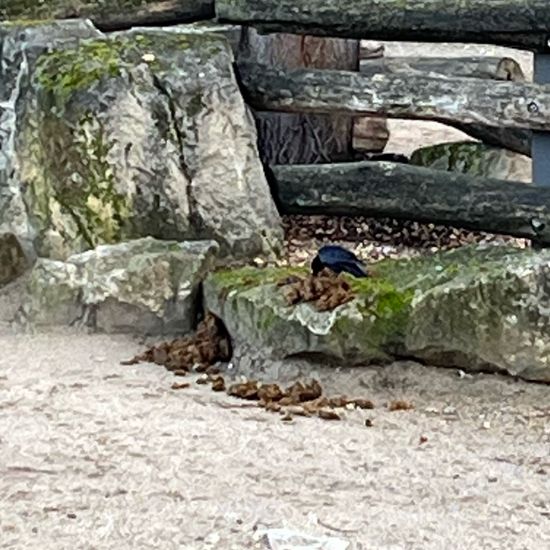
Carrion Crow spotted by Krarin: “Lecker Nashorn Kacke 😋” in the KraMobil App on 05.01.2024
#KraMobil #CarrionCrow #SPOTTERON
Hooded Crow in KraMobil App spotted by Franz on 05.01.2024
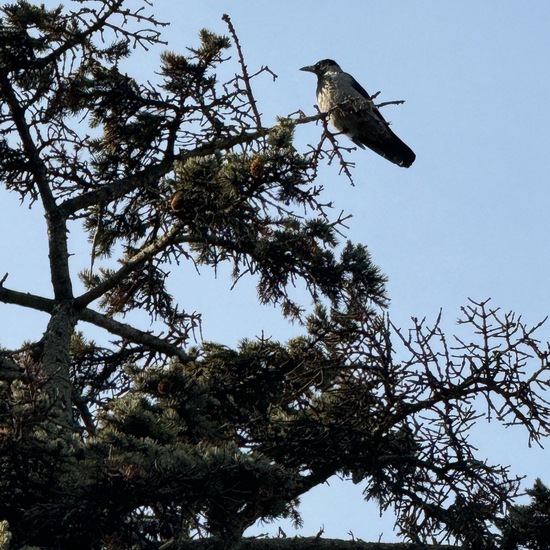
Hooded Crow spotted by Franz: “Nebelkrähe hat den höchsten Baum als geeigneten Rastplatz gewählt.” in the KraMobil App on 05.01.2024
#KraMobil #HoodedCrow #SPOTTERON
Rook in KraMobil App spotted by Franz on 05.01.2024
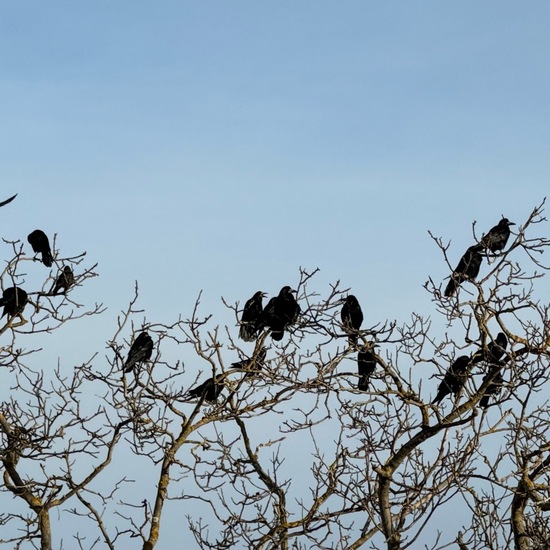
Rook spotted by Franz: “Wenn mehr als 20 Artgenossen auf dem Baum rasten ist die Ankunft einer weiteren Saatkrähe gerne gesehen.” in the KraMobil App on 05.01.2024
#KraMobil #Rook #SPOTTERON
Hybrid (Carrion / Hooded) in KraMobil App spotted by Krarin on 04.01.2024
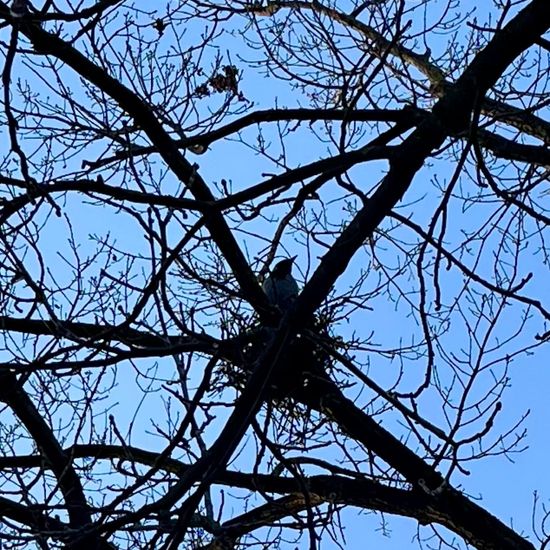
Hybrid (Carrion / Hooded) spotted by Krarin: “Sitzt schon im Nest 😳 Klimaerwärmung? 😱” in the KraMobil App on 04.01.2024
#KraMobil #HybridCarrionHooded #SPOTTERON
Hooded Crow in KraMobil App spotted by PrincePlaste on 03.01.2024
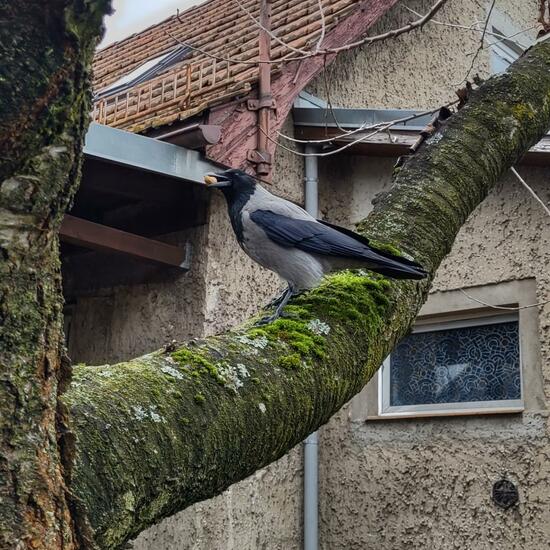
Hooded Crow spotted by PrincePlaste: “Kevin holt eine Nuss, hat vorher Roy gerufen” in the KraMobil App on 03.01.2024
#KraMobil #HoodedCrow #SPOTTERON
Hooded Crow in KraMobil App spotted by Franz on 03.01.2024
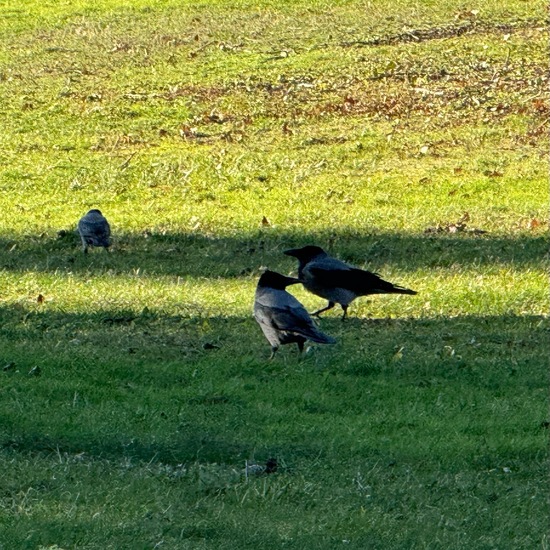
Hooded Crow spotted by Franz: “Deckung vor Sturm” in the KraMobil App on 03.01.2024
#KraMobil #HoodedCrow #SPOTTERON
Rook in KraMobil App spotted by Franz on 03.01.2024
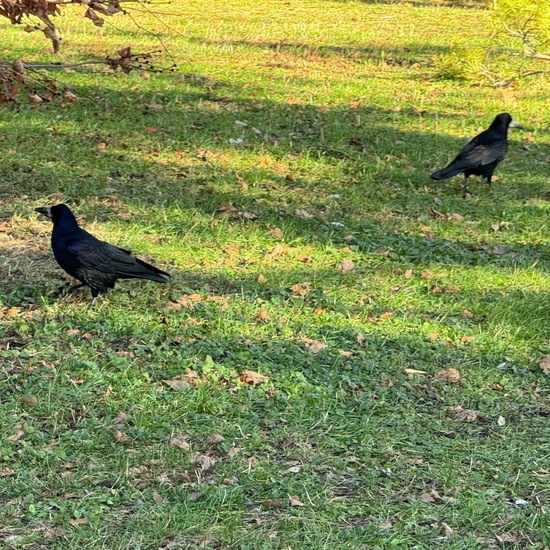
Rook spotted by Franz: “Saatkrähen bei der Nahrungsaufnahme” in the KraMobil App on 03.01.2024
#KraMobil #Rook #SPOTTERON
Hybrid (Carrion / Hooded) in KraMobil App spotted by Krarin on 02.01.2024
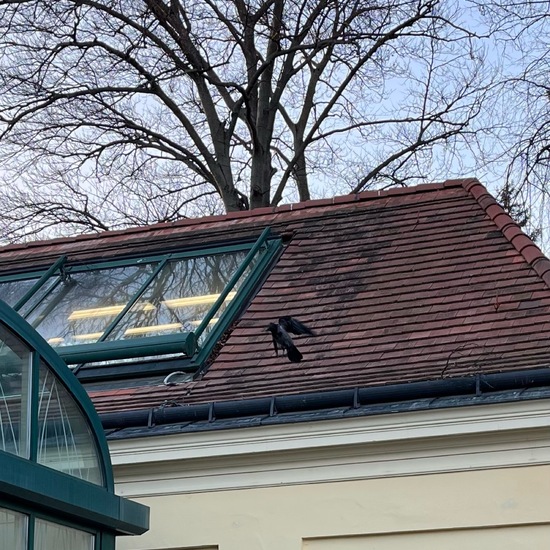
Hybrid (Carrion / Hooded) spotted by Krarin: “Flattermann” in the KraMobil App on 02.01.2024
#KraMobil #HybridCarrionHooded #SPOTTERON
Hooded Crow in KraMobil App spotted by Krarin on 02.01.2024

Hooded Crow spotted by Krarin: “Pärchen beobachtet Pinguine” in the KraMobil App on 02.01.2024
#KraMobil #HoodedCrow #SPOTTERON
Hooded Crow in KraMobil App spotted by PrincePlaste on 02.01.2024
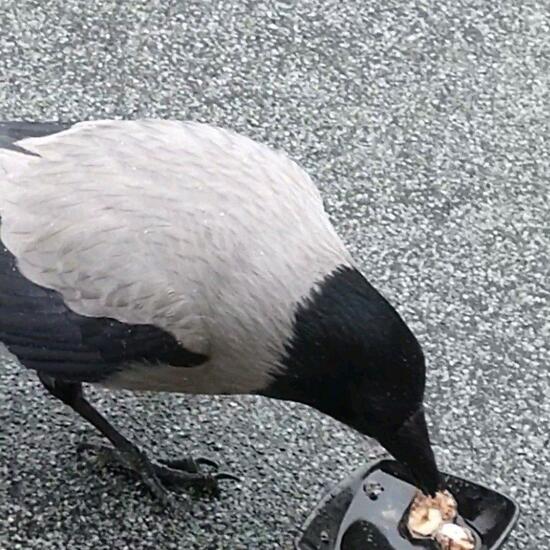
Hooded Crow spotted by PrincePlaste: “Kevin taucht Brot in Wasser” in the KraMobil App on 02.01.2024
#KraMobil #HoodedCrow #SPOTTERON
Can I use my user account in multiple apps?
Absolutely! After creating your user account, you can log in with it in all apps and projects on the SPOTTERON platform without the need to register again. You can find additional apps and topics here: https://www.spotteron.app/apps - Please be invited to download any app which you like to join and start spotting!
How can I erase my stored personal data?
To erase all your personal data stored on Spotteron you can simply go to the settings panel in the app you use. There you can enter your current password there as confirmation about your identity and then just "klick" Delete now. There is not even a delay, your personal data is automatically erased.
GPS-Location doesn't work. What can I do?
At the first start of the app, it asks for permission to use the location of your phone. Please make sure that you have granted that permission - you can find an app's permission in your phone settings. Alternatively, you can uninstall and reinstall the app and grant permission - no worries, no user account data or observations are lost, you have simply to log in again.
If the reticle doesn't jump to your current location, you can also use the address search  to find it or move the map to your current location manually.
If you want to be use your location, you need to turn on "Location" in your phone's quick settings (if it wasn't turned on already) and open the app again, wait a few seconds and click on the crosshairs 

Please visit the website about the SPOTTERON Platform on www.spotteron.net
This website uses no external trackers, no analytics, just session cookies and values your online privacy.