Short note: This website is in Beta - we are currently building everything up but you can already find the apps to download and participate! Thank you and stay safe!

 Questions, help or just curious?
Little Corella in Big City Birds App spotted by DUnitt on 05.02.2024
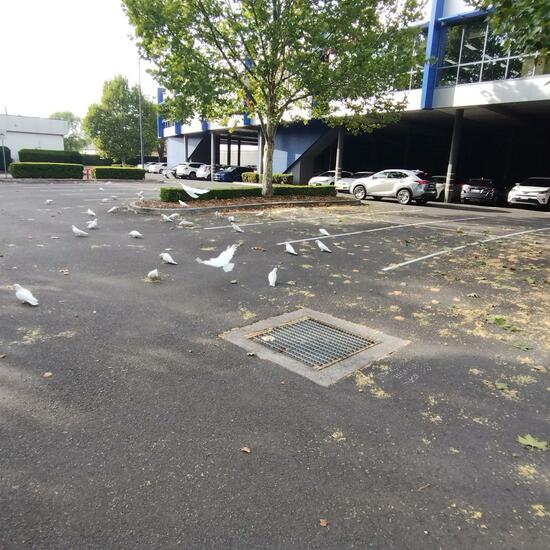
Little Corella spotted by DUnitt: “Little corellas feeding on plane tree seed pods and playing in plane tree in Fujifilm car park. Single long billed corella in flock” in the Big City Birds App on 05.02.2024
#BigCityBirds #LittleCorella #SPOTTERON
White Ibis in Big City Birds App spotted by as9510 on 04.11.2023
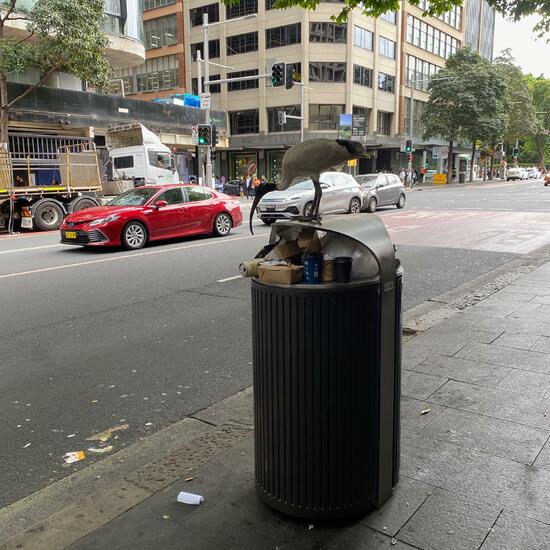
White Ibis spotted by as9510:in the Big City Birds App on 04.11.2023
#BigCityBirds #WhiteIbis #SPOTTERON
Roost in Big City Birds App spotted by Gabriel Romaguera on 03.02.2024
Roost spotted by Gabriel Romaguera: “Large raucous colony settling in for nighttime roost in street trees on pavement outside of shopping centre” in the Big City Birds App on 03.02.2024
#BigCityBirds #Roost #SPOTTERON
Sulphur-crested Cockatoo in Big City Birds App spotted by Nat Mac on 04.02.2024
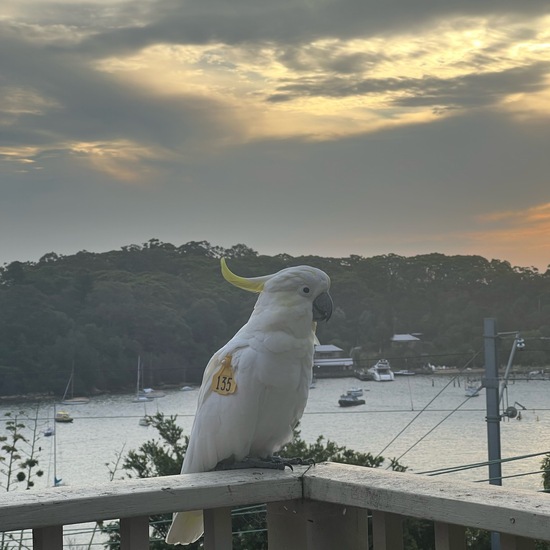
Sulphur-crested Cockatoo spotted by Nat Mac: “Hudson is back again, another three cockatoos came over once they saw him being fed. They all seemed to get along well, just sitting and observing. All ate sunflower seeds and drank some water.” in the Big City Birds App on 04.02.2024
#BigCityBirds #SulphurcrestedCockatoo #SPOTTERON
Sulphur-crested Cockatoo in Big City Birds App spotted by ChrisCobern on 10.01.2024
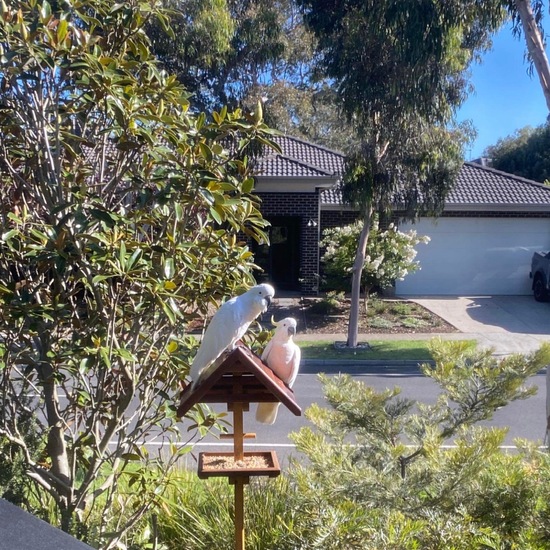
Sulphur-crested Cockatoo spotted by ChrisCobern: “2 SCC’s feeding on seed in a bird feeder. Sometimes a few more turn up. No more than 8 have been seen at one time. Crested Pigeons also feed there at the same time. Spotted Doves however don’t. They prefer to scavenge on the ground underneath while the SCC’s are there.” in the Big City Birds App on 10.01.2024
#BigCityBirds #SulphurcrestedCockatoo #SPOTTERON
Sulphur-crested Cockatoo in Big City Birds App spotted by Richard Whyte on 04.02.2024
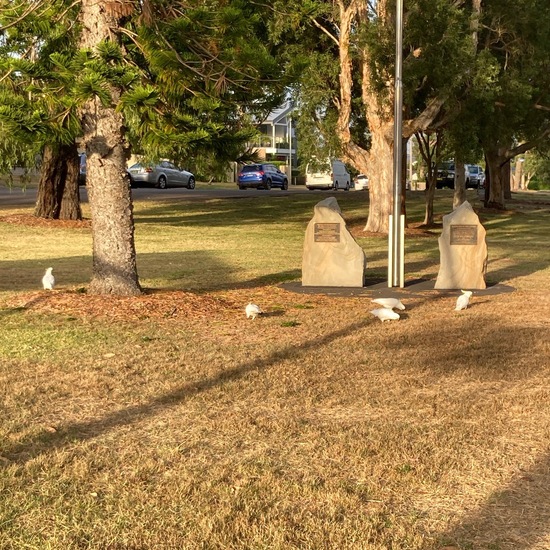
Sulphur-crested Cockatoo spotted by Richard Whyte: “Seven Sulphur-crested Cockatoos (only five in the photo, two flew away) feeding on pine tree seeds in Allambee Park, Valentine.” in the Big City Birds App on 04.02.2024
#BigCityBirds #SulphurcrestedCockatoo #SPOTTERON
Brush-turkey in Big City Birds App spotted by BJTurkey on 03.02.2024
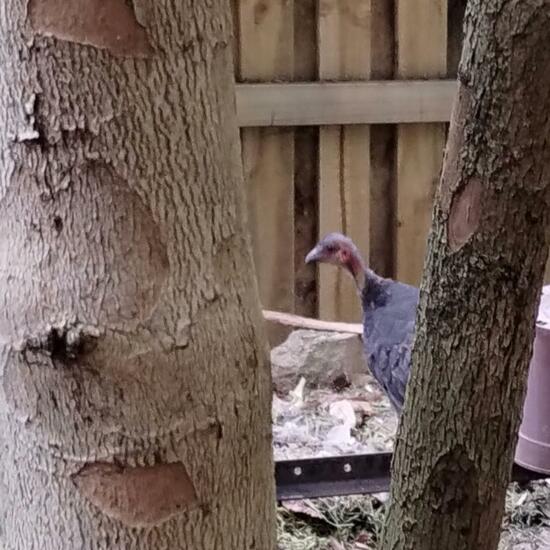
Brush-turkey spotted by BJTurkey: “Nervous youngsters keenly avoiding being photographed.” in the Big City Birds App on 03.02.2024
#BigCityBirds #Brushturkey #SPOTTERON
Other bird in Big City Birds App spotted by Ross on 11.01.2024
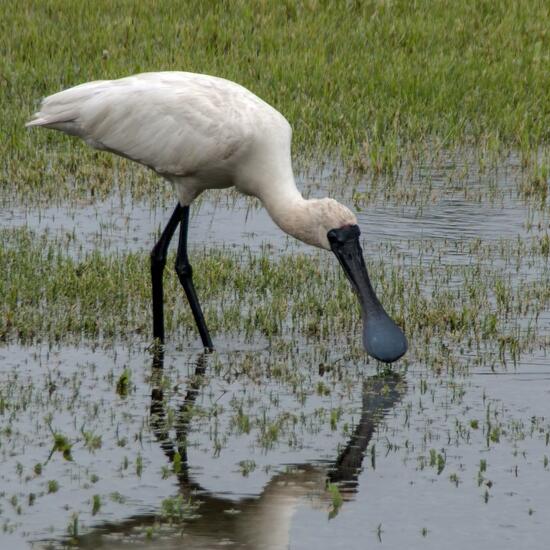
Other bird spotted by Ross: “Solo spoonbill in a colony of 20+ white Ibis.” in the Big City Birds App on 11.01.2024
#BigCityBirds #Otherbird #SPOTTERON
Nest in Big City Birds App spotted by RoyD on 29.11.2023
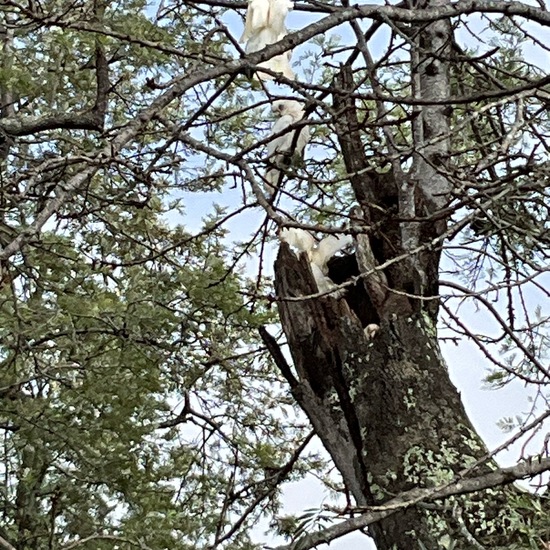
Nest spotted by RoyD: “Little Corellas nesting in hollow trunk of tree broken off in storm. Brought out three chicks this season. Tree is in a park beside town houses” in the Big City Birds App on 29.11.2023
#BigCityBirds #Nest #SPOTTERON
Sulphur-crested Cockatoo in Big City Birds App spotted by Tom Massey on 03.02.2024
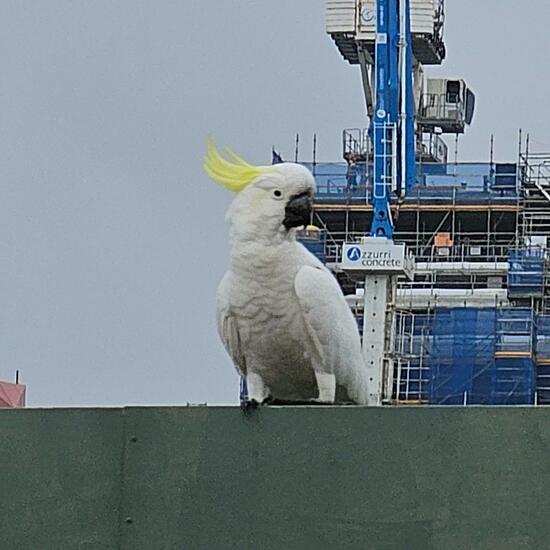
Sulphur-crested Cockatoo spotted by Tom Massey:in the Big City Birds App on 03.02.2024
#BigCityBirds #SulphurcrestedCockatoo #SPOTTERON
Can I use my user account in multiple apps?
Absolutely! After creating your user account, you can log in with it in all apps and projects on the SPOTTERON platform without the need to register again. You can find additional apps and topics here: https://www.spotteron.app/apps - Please be invited to download any app which you like to join and start spotting!
How can I erase my stored personal data?
To erase all your personal data stored on Spotteron you can simply go to the settings panel in the app you use. There you can enter your current password there as confirmation about your identity and then just "klick" Delete now. There is not even a delay, your personal data is automatically erased.
GPS-Location doesn't work. What can I do?
At the first start of the app, it asks for permission to use the location of your phone. Please make sure that you have granted that permission - you can find an app's permission in your phone settings. Alternatively, you can uninstall and reinstall the app and grant permission - no worries, no user account data or observations are lost, you have simply to log in again.
If the reticle doesn't jump to your current location, you can also use the address search  to find it or move the map to your current location manually.
If you want to be use your location, you need to turn on "Location" in your phone's quick settings (if it wasn't turned on already) and open the app again, wait a few seconds and click on the crosshairs 

Please visit the website about the SPOTTERON Platform on www.spotteron.net
This website uses no external trackers, no analytics, just session cookies and values your online privacy.