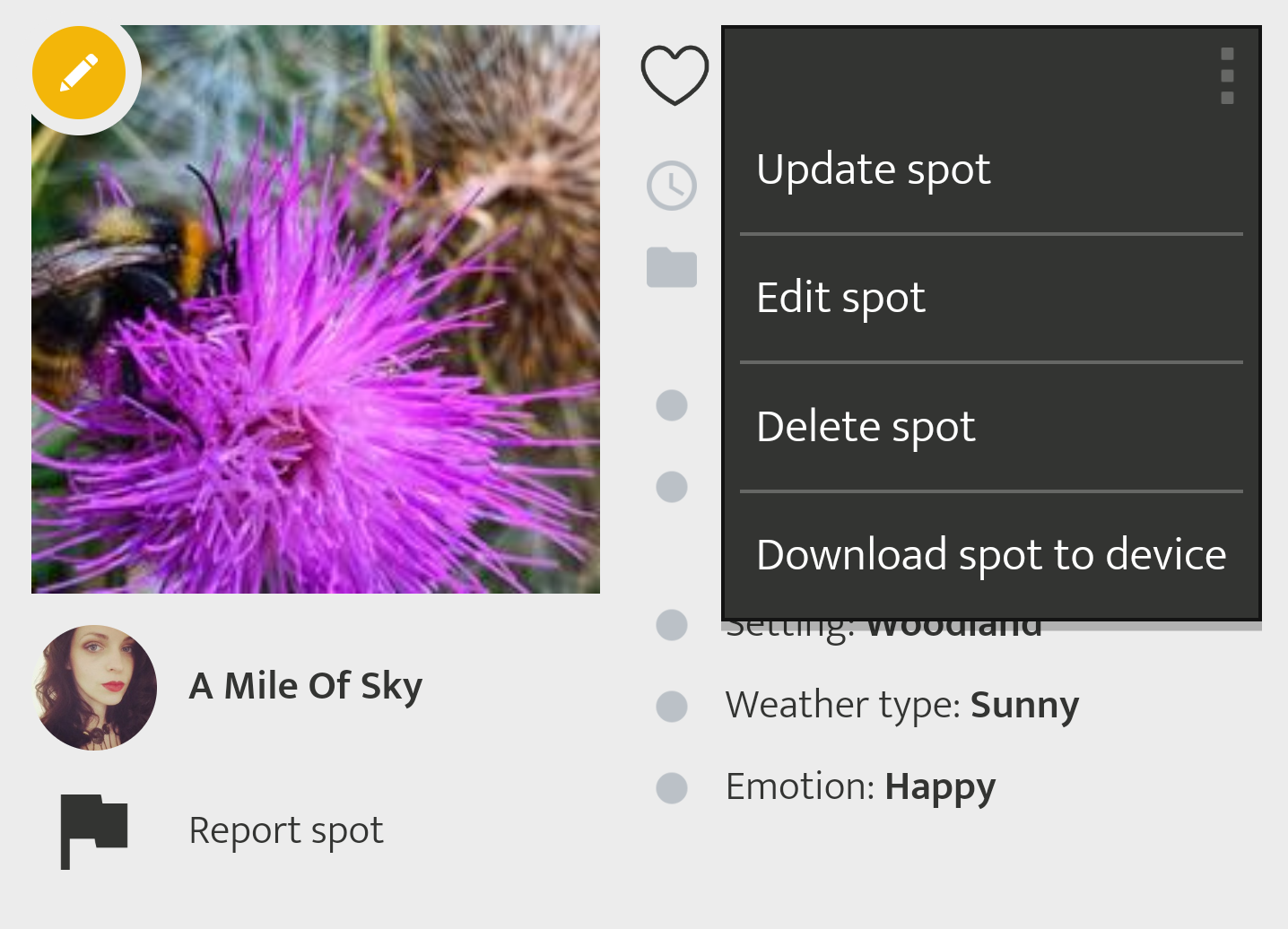
To delete one of your entries, click on the icon with the three dots and select "Delete spot". in the upper right corner and select "Delete Spot". If your spot is an entry in a timeline (spot update), only the spot will be deleted. The rest of the timeline remains.
If the entry "Delete Spot" is not visible, the project managers may have already validated the post. If this is the case, your spot will receive a green award:  - Once your Spot has been checked and validated, you cannot change or delete it. If you still want to perform a deletion, please contact the project managers.