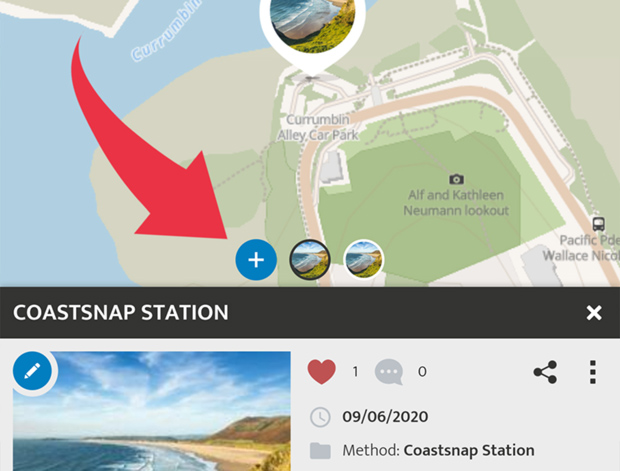
You can add multiple entries to a location by creating timelines. The  icon in the detail view allows you to add additional observations to your spot. Alternatively, you can add another entry from the Spot menu
  by clicking on 'Update Spot'.
You can drag (swipe) left and right in a spot to scroll through the chronological time series in the app. Also, in the tabs below the details of a post, you can find the SPOT UPDATES area. Here you can see an overview of all Spots in the timeline.
(Please note that the Spot Update feature is not enabled in all apps on the SPOTTERON platform.)